
1-Click Location Changer
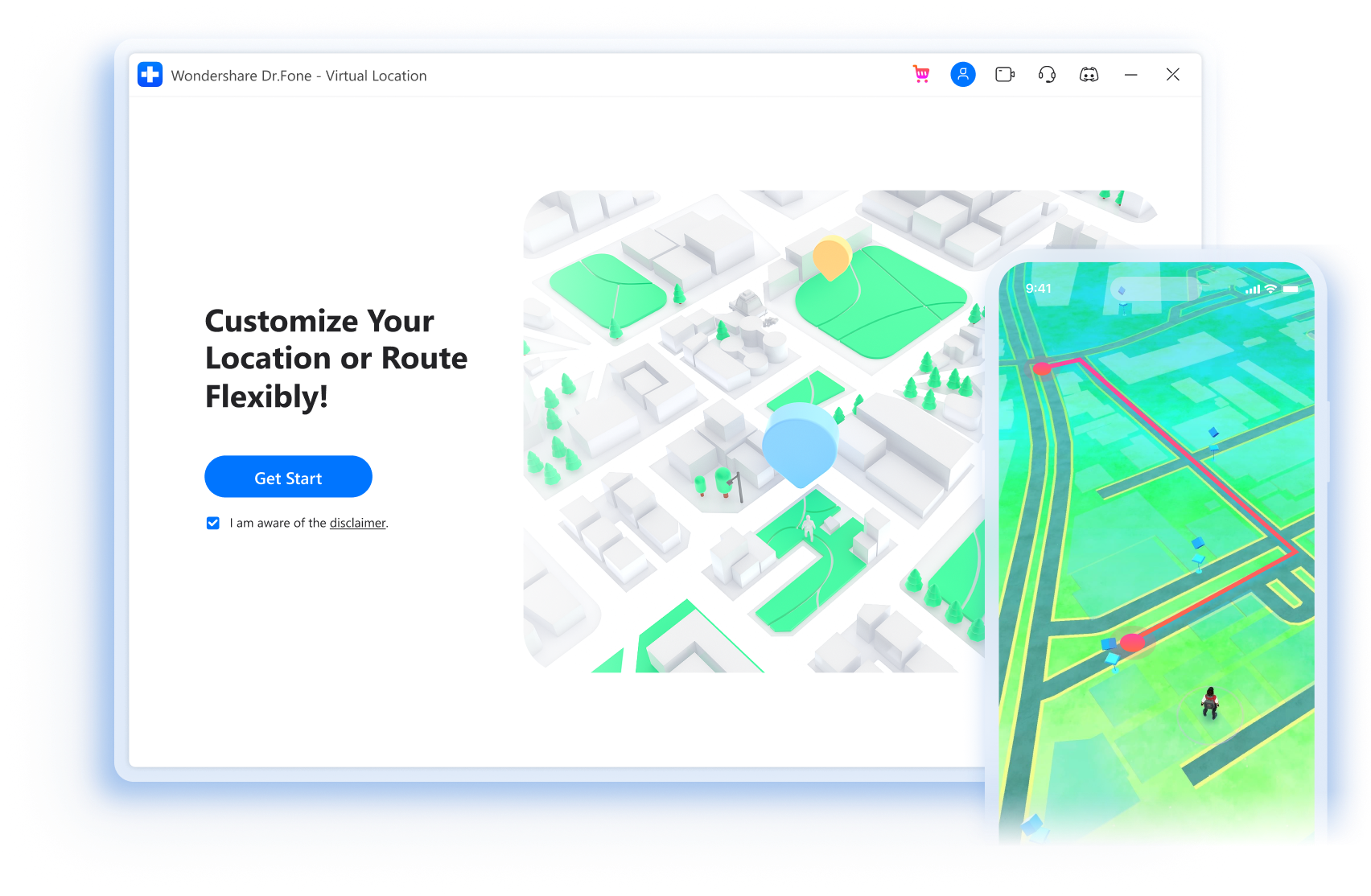
- Teleport GPS location to anywhere with one click.
- Simulate GPS movement along the route you draw.
- Joystick to simulate GPS movement flexibly for more fun in AR games.
- Work with location-based apps like Pokémon GO, Snapchat, Ins, etc.
- Compatible with the latest Android 14 and iOS 17.

Play Geo-Based Games without Going Outside
With this amazing location changer, you can now play popular location-based AR games like Pokémon GO and hatch the eggs without actually
moving/walking!
Select the mode type according to your needs. Keep moving, and enjoy your game!
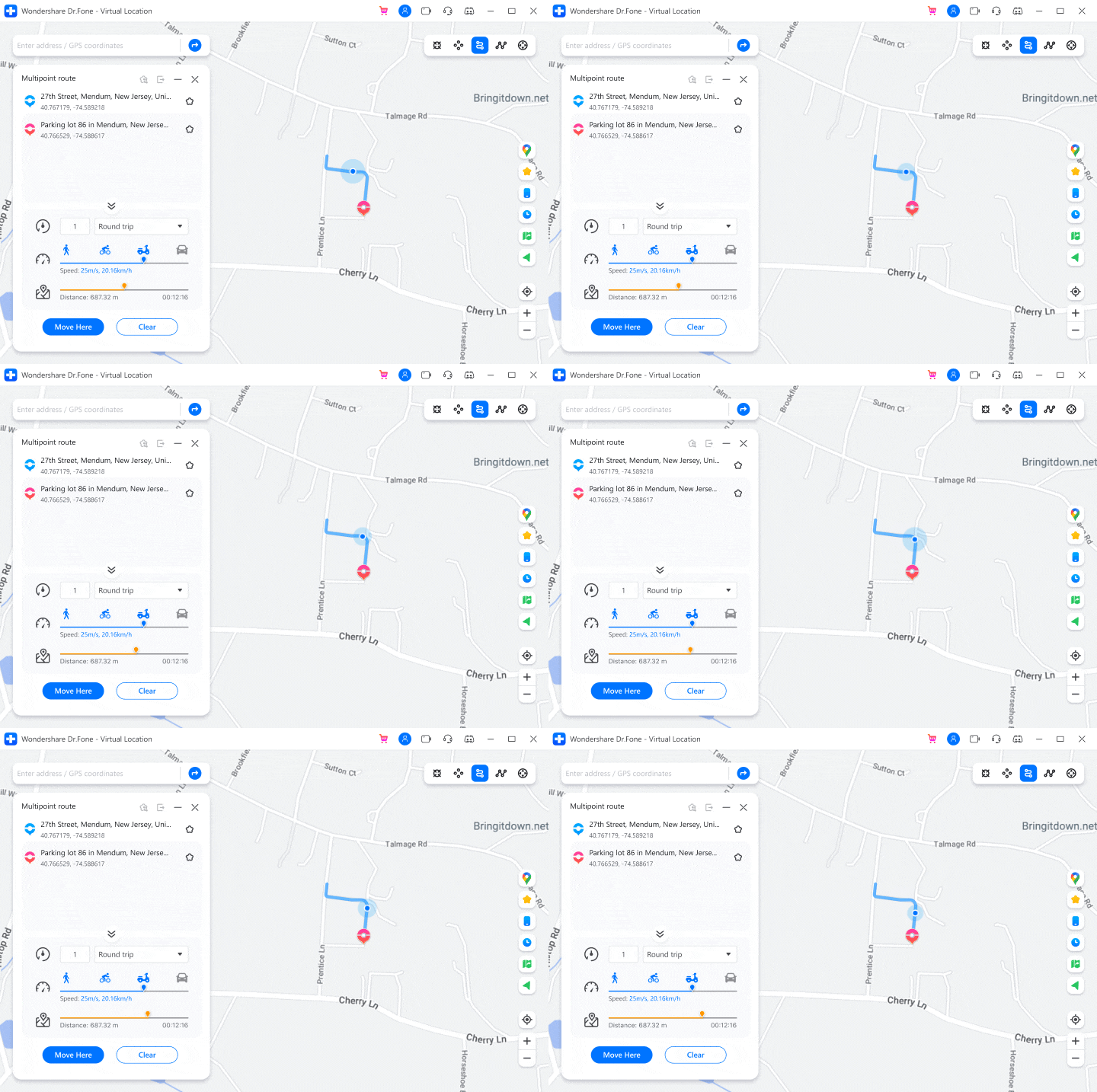
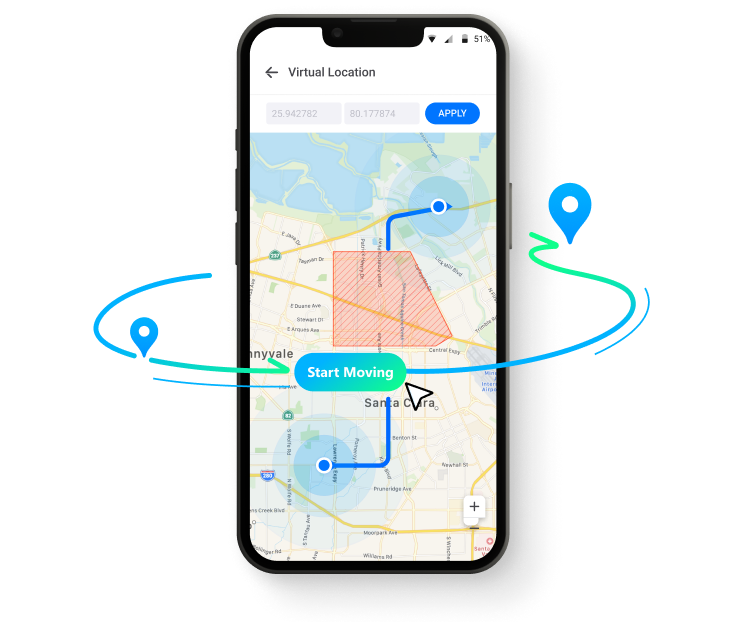
* Set default start and end location on the map, then the GPS will move according to the automatically generated real route to help the game users complete different tasks.



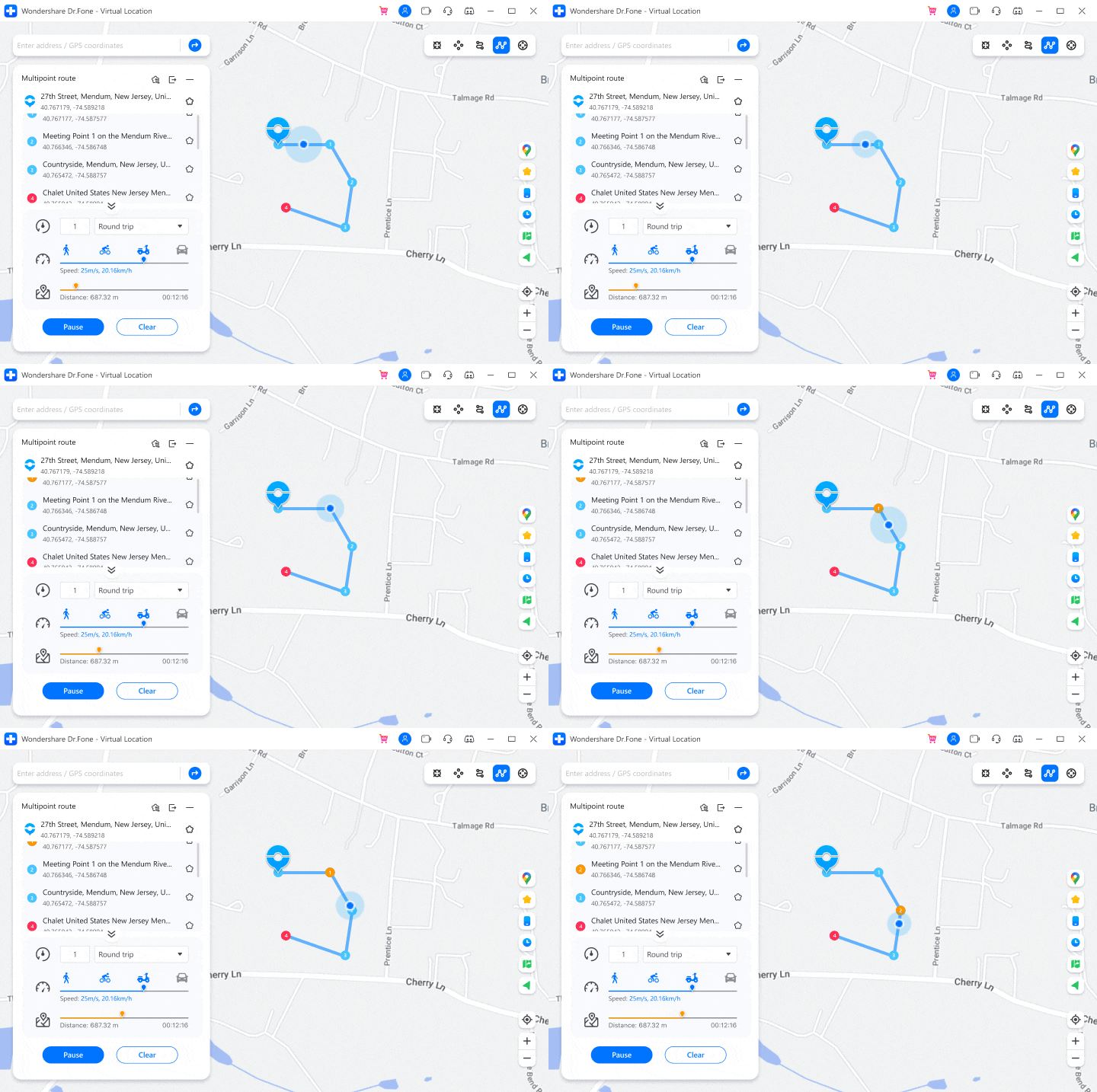
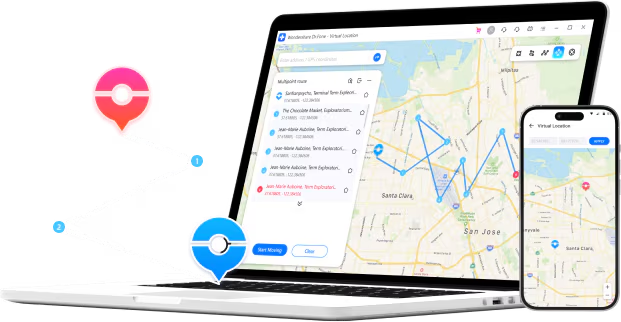
* Plan a route by selecting multiple spots on the map, then the GPS will move along with different simulated speed, like walking, cycling, or driving etc.

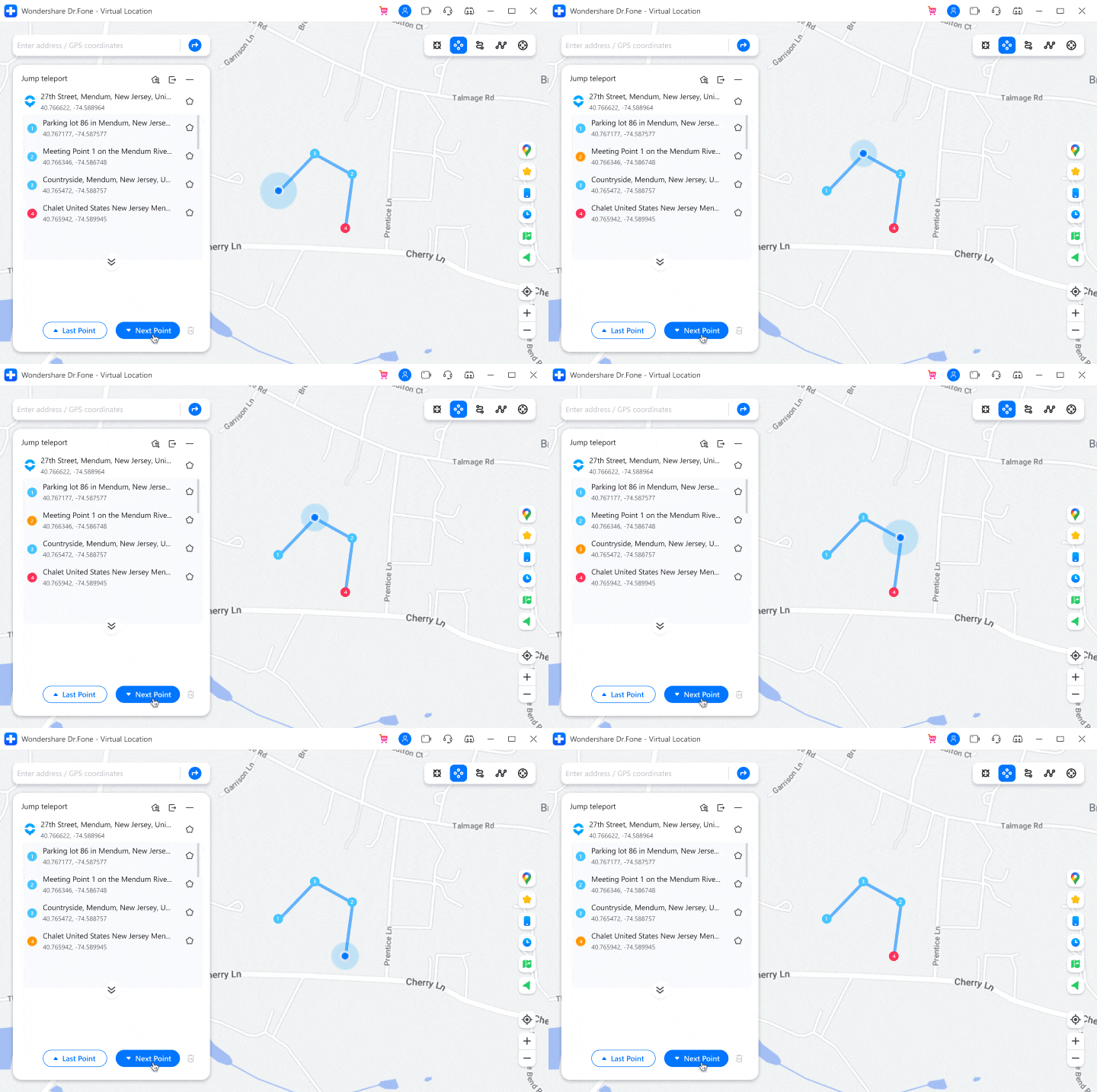
* Realize teleport jumps between multiple locations on the map. E.g., after entering multiple coordinates obtained from the Discord community, the game users can instantly jump to each point to catch rare and legendary Pokémon.

Fake GPS Location on iOS and Android in One Click
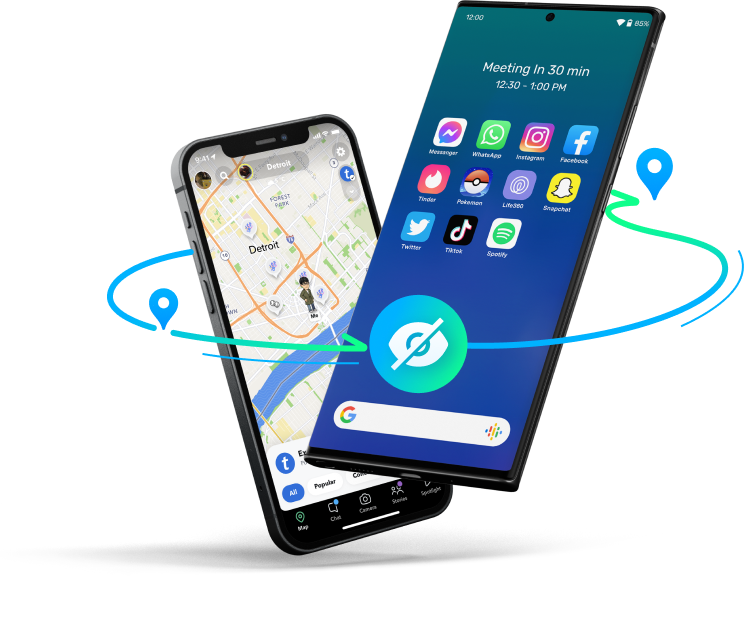
Hide Location on iOS and Android
Some apps now give almost anyone permission to track their location, which is dangerous for cell phone users. This GPS location changer can fake your location anywhere to protect your privacy from being tracked.
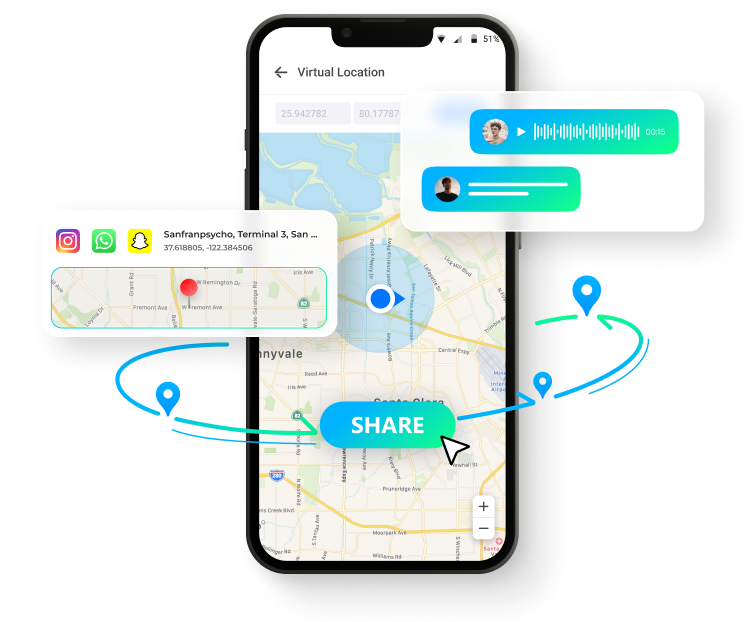
Spoof Location on Social Apps
Pretend to "travel" anywhere you've never been, allowing you to travel the world without leaving home. You can also share virtual locations and easily prank your friends on social platforms like WhatsApp/Instagram.
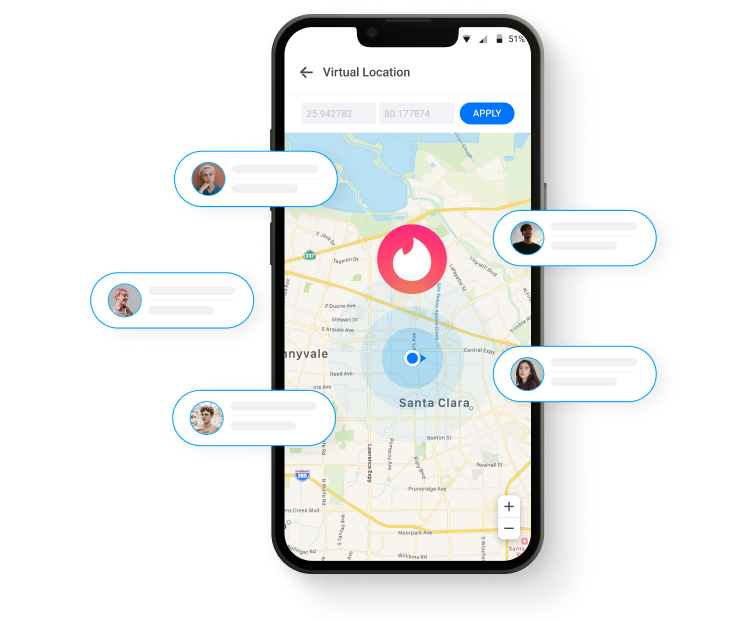
Mock Location on Dating Apps
Get more likes and matches from other regions on dating apps by changing your location on Tinder, Bumble, and other dating apps.
Bypass Geo-Blocking/Geo-Restriction
Spoof your location on iOS and Android devices to bypass regional restrictions and access geo-restricted content and services like games, social apps, location-sharing apps (life 360), etc.
Spoofing Location on the Most Popular Apps for iOS and Android
iOS devices apply to including but not limited to:
Virtual location can well meet the needs of iOS users, such as games, social media, etc., and it is simple and effective, without jailbreak.
Game


Social


Dating


Real-time Tracking


Navigation


Android devices apply to including but not limited to:
Virtual Location allows Android users to spoof location on most social and location-based sharing apps without root. (* Not support Pokémon GO)
Game

Social


Dating

Real-time Tracking

Navigation
Mock GPS with Joystick Control
Traditional emulators often lead to game crashes. For gamers, using a joystick or keyboard can better manipulate the GPS movement direction.
Let's enjoy perfect game stability and play longer without fear!
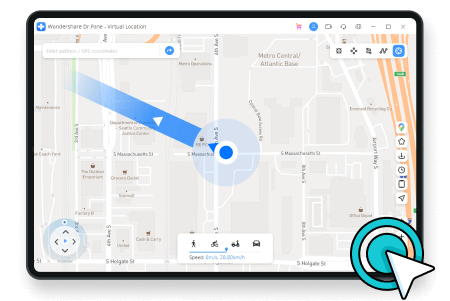
Automatic Movement
One-click to make the GPS spot move automatically. Directions are changeable in real time.
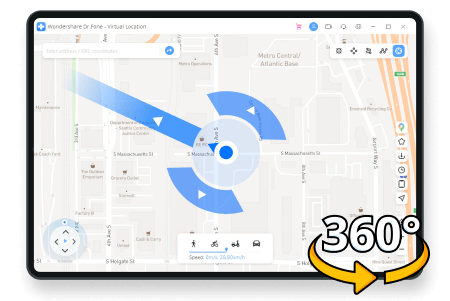
360-Degree Directions
360-degree directions to set. Move forward or reverse by clicking the Up or Down arrows.
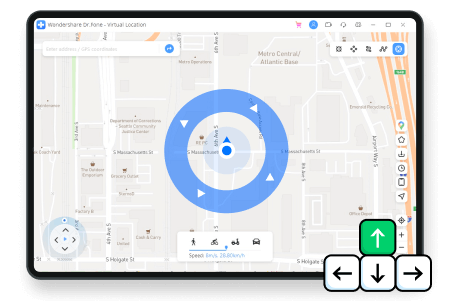
Keyboard Control
Use keys W, A, S, and D on your keyboard or keys Up, Down, Left, and Right to control GPS movement.

- Fake your GPS coordinates on most location-based apps
- Zoom in and zoom out to move the map to any location worldwide
- GPS position is stable and won't jump between true and false


More Features for You to Explore
As the top leader of location changers, Dr.Fone - Virtual Location is always thriving to provide the best services for our customers to enjoy more fun.

Import/Export GPX File
Import/export GPX files of different paths to save and view your favorite routes with a single click.

Favorite List
Manually collect your favorite locations and routes for quick one-click access next time.

Historical Records
Automatically records and saves the visited locations for easy re-selection and management.

Multi-Device Control
Supports changing GPS location on up to 5 iOS devices simultaneously on 1 PC/Mac.

No Jailbreak
You don't need to jailbreak your iOS device for location spoofing.

With Customized Speed
Move along with different simulated speeds, like walking, cycling, driving, etc., from 3.6km/h to 108km/h.

Realistic /Fluctuation Mode
You can choose realistic/fluctuation mode to experience a lifelike movement with adjustable speed.

Cooldown Timer
To avoid unnecessary bans, cooldown timer reminds you not to frequently change your location on devices.
Steps for Using Virtual Location
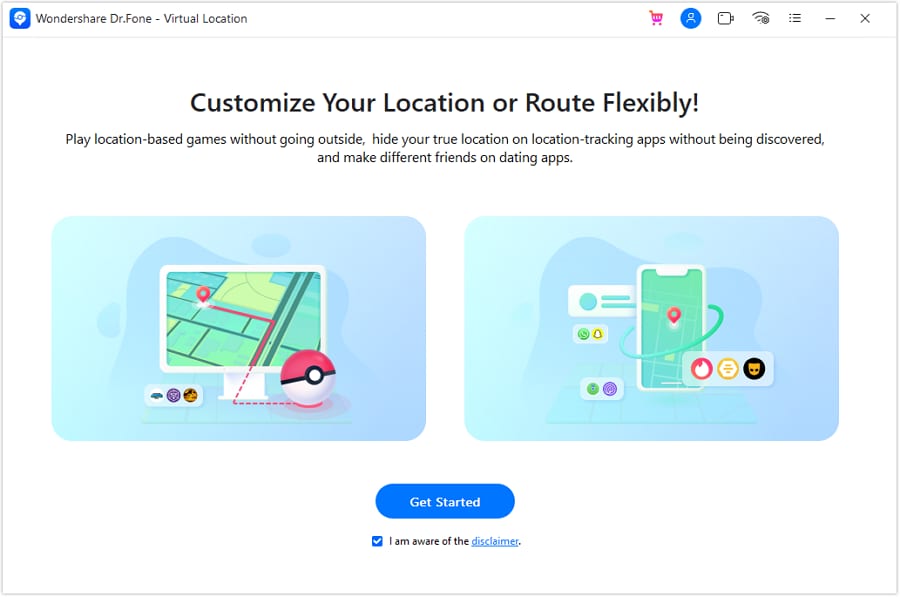
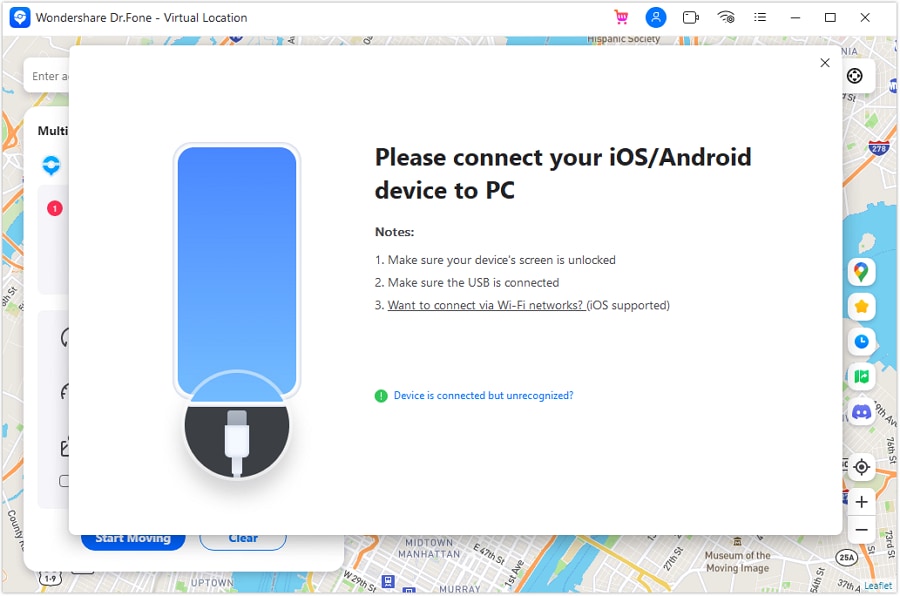
Step1: Launch the program on your computer
Launch Dr.Fone, click Virtual Location, and connect your phone or iPad.
Step2: Connect your phone to the computer
Choose WiFi / USB connection. For iPhone users, it's possible to connect the software with WiFi after being connected once.
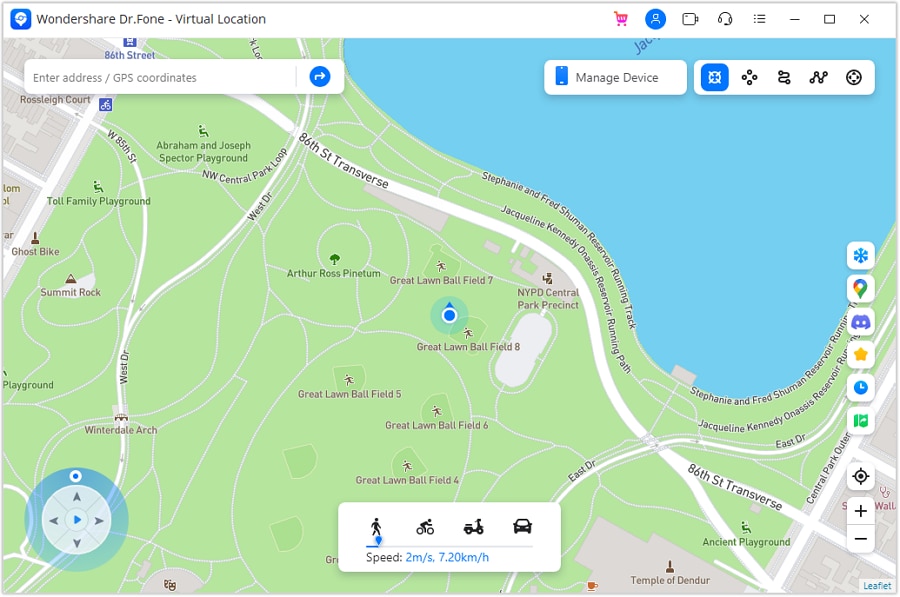
Step3: Choose your desired mode to change GPS location
You can find your actual location on the map and just pick a spot where you want to go.
Tech Specs
CPU
1GHz (32-bit or 64-bit)
RAM
256 MB or more of RAM (1024MB Recommended)
Hard Disk Space
200 MB and above free space
iOS/Android
iOS:
iOS 5 and up
Android:
Android 6.0 and up (Android 14 included)
Computer OS
Windows: Win 11/10/8.1/8/7
Mac: Mac OS X 10.13 (High Sierra), 10.14 (macOS Mojave), 10.15 (macOS Catalina), 11 (macOS Big Sur), 12 (macOS Monterey),
13 (macOS Ventura) and later (macOS 14 Sonoma included)
Location Changer FAQs
-
Can my iPhone use a fake GPS?Yes. There are no so-called fake GPS location settings in your iOS system. What's worse, Apple does not tolerate any GPS spoofer apps on its App Store. Those you find in the App Store are not the real stuff, not trustworthy. There are two reliable methods to fake GPS on iPhone in the market: 1) to use a computer program, 2) to use a VPN.
A computer program focuses more on GPS and can teleport your location to any desired place on the globe and simulate the movement along a specified route. A VPN is more IP address-focused. That is to say, it changes your location by using a different IP address. -
Can you fake your location on Maps?Yes. To fake your location on maps, you need to temporarily change your GPS data, that is, the real-time geographical coordinates. The best option is to use a location spoofer. As Apple disallows such apps in its App Store these years, just get a desktop location spoofer program instead. The operations are mostly very simple: connect your iPhone to a computer, open the location spoofer, then you can change your GPS location to a fake one to protect your privacy.
-
Can you fake your location on Find My Friends?Yes. The iPhone app Find My Friends sometimes does not appeal to the appetite of quite a number of people. The chief reason would be the privacy issues. Well, there are basically 2 ways to help you meet your purpose:
* First, the app itself provides an option to turn off location sharing. Open the Find My Friends app, go to the People tab, and choose the person you don't like. Then, you can hide your location with this person.
* Second, you can use a location spoofer to change your GPS location to a fake one. This way is more fun and milder. The steps with a location spoofer are also very easy to follow; just install the program, connect your iPhone to the computer, and then you can fake the location. -
How do I hide my location on my iPhone?More and more iOS apps require your location data. Sometimes, we just feel constantly tracked by others. There are some popular ways to hide or fake your iPhone GPS location:
1) Turn off your iPhone or use airplane mode: As the GPS depends on cellular or WiFi signals, these moves can radically eliminate the possibility of being tracked. But the bad part is you cannot use any networking features then.
2) Share location from another device: If you have another iPhone or iPad, you can share its location instead of the one you are with. You can do that by going to the "Share My Location" option in the iCloud settings.
3) Stop location sharing: Similar to the method above, you can simply turn off your location sharing. By doing this, your location will be invisible to your friends and the location-based apps.
4) Use location spoofer: With such a program, you can change your location to anywhere to share it. This method is the best alternative if you do not have a second iOS device.
Location Changer
With Dr.Fone - Virtual Location (iOS/Android), you can freely change your GPS location to anywhere without jailbreak! Also, it enables you to simulate GPS movement with the joystick, customized speeds, and imported GPX route files.
Latest Posts
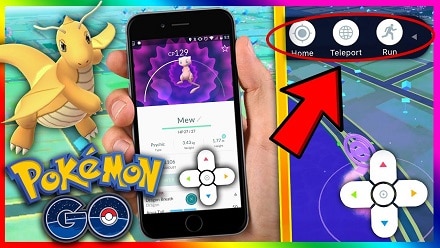
Pokemon Go Walking Hack: Play Pokemon Go Without Moving
Looking for a way to play Pokemon Go without moving? If yes, then you’re in the right place as here you’ll get to know how to play Pokemon Go game without walking.

How to Teleport in Pokemon Go Safely
Get to know about the best Pokemon Go teleport hack right here. We have covered all the GPS spoofing risks so that you can use the Pokemon Go teleport feature safely.

Methods to Change GPS Location on iPhone
The best way to access geo-restricted content, or simply stay secured over the world wide web, is by changing the GPS Location on iPhone. Here's how you do it.

Proven Tactics to Fake GPS/Location on Tinder
The latest fag of faking the GPS Location on Tinder is currently phenomenal. Don't know how to do that? Here are the proven tactics to fake GPS/Location on Tinder.
5 Hassle-Free Solutions to Fake Location on Find My Friends
If faking location on find friends is what you need, this writing might interest you. Check out this piece to know how you can fake Find My Friends location without jailbreak.

How to Change GPS Location on iPhone Easily & Safely
If you are fed up with "online" interventions and wondering how to change location services on your iPhone, then here is some software that will help you do that.
Our Customers Are Also Downloading
Unlock any iPhone lock screen when you forget the passcode on your iPhone or iPad.

Fix Android issues in many common scenarios, such as black screen, boot loop, bricked Android, and more.

One-stop data management solution. Back up and manage phone data, and mirror your phone screen to a PC.

Dr.Fone Virtual Location
Change GPS Location on Android Easily and Safely