Wondershare DVD Creator for Mac

 DVD Creator for Mac

Convert and Burn any Format Photos and Videos to DVD

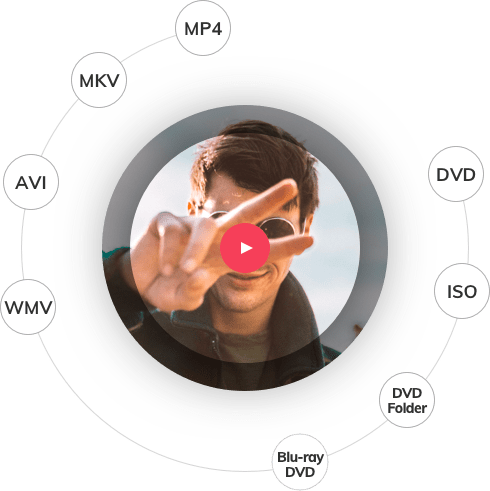
Create high quality DVDs from all common video formats
Make eye-catching DVD slideshows with photos and music
Personalize DVDs with fabulous video effects and crisp DVD menus
Burn videos to DVD for backup or sharing quickly and easily
Fully support 10.8 Mountain Lion

Supported OS:

Why Choose DVD Creator for Mac

Wondershare DVD Creator for Mac is an easy and fast Mac DVD Creator for any video to DVD creation. It can convert videos to DVDs from popular videos like AVI, MPG, MPEG, MP4, WMV, MOV, MKV, FLV, etc. with free yet gorgeous DVD menus. Besides, this Mac DVD burner lets you create slideshows and edit videos using tools like trim, crop, rotate, watermarks, etc. Get DVD Creator for Mac and share all your movies with family and friends now!

More Powerful than iDVD - Burn All Regular Video Formats to DVD

More Powerful than iDVD - Burn All Regular Video Formats to DVD
Burn regular video formats like MOV, MKV, MP4, AVI, WMV, MTS, HD videos, etc. to DVD.
Convert downloaded videos or movies from YouTube, Google, Yahoo or torrent sites, like Vuze, etc. to DVD.
Transfer home videos shot by all types of cameras and camcorders to DVD, iPhone 4 included.

Magic Movie Maker - Create Photo DVD Slideshow with Music

Magic Movie Maker - Create Photo DVD Slideshow with Music
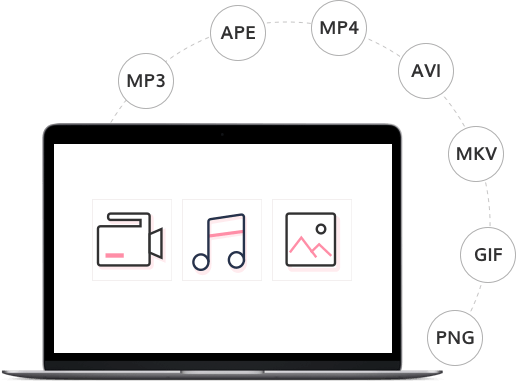
Add, delete, rotate, and arrange photos as you wish. PNG, JPG, JPEG, BMP, TIF and TIFF image formats are all supported.
Set the photo duration, add transitions and titles to photos to retouch the photo slideshow.New
Set your favorite song as the background music of the photo slideshow. Trim, fade in, fade out, etc. are provided.
Drag photo slideshows to videos and combine photos and videos to create a DVD.

Powerful DVD Menu Maker and Video Editor – Customize DVD

Powerful DVD Menu Maker and Video Editor – Customize DVD
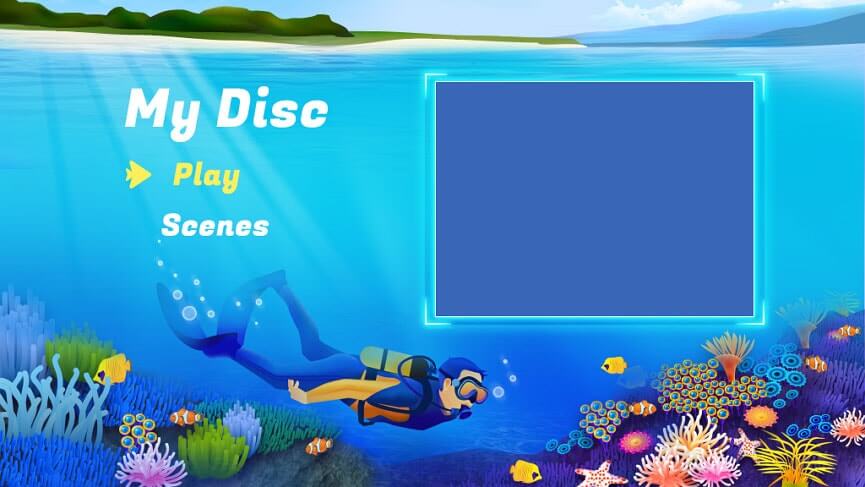
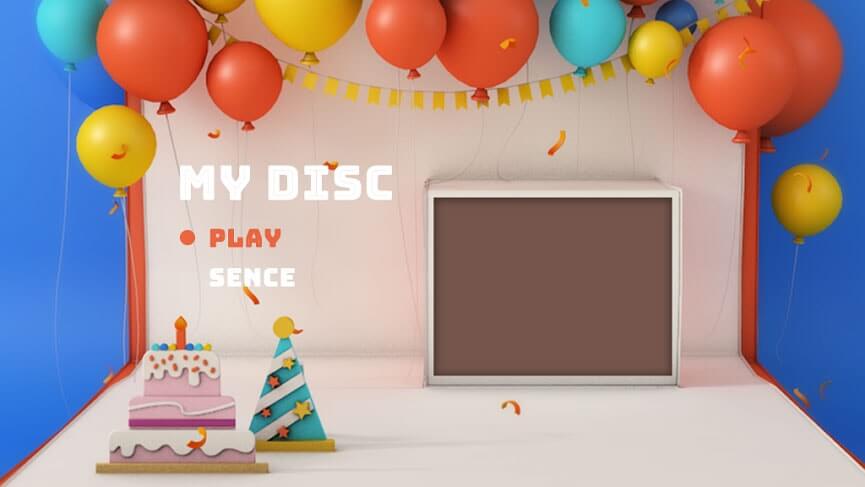
Select from 90+ free DVD menu templates for better DVD looking.New
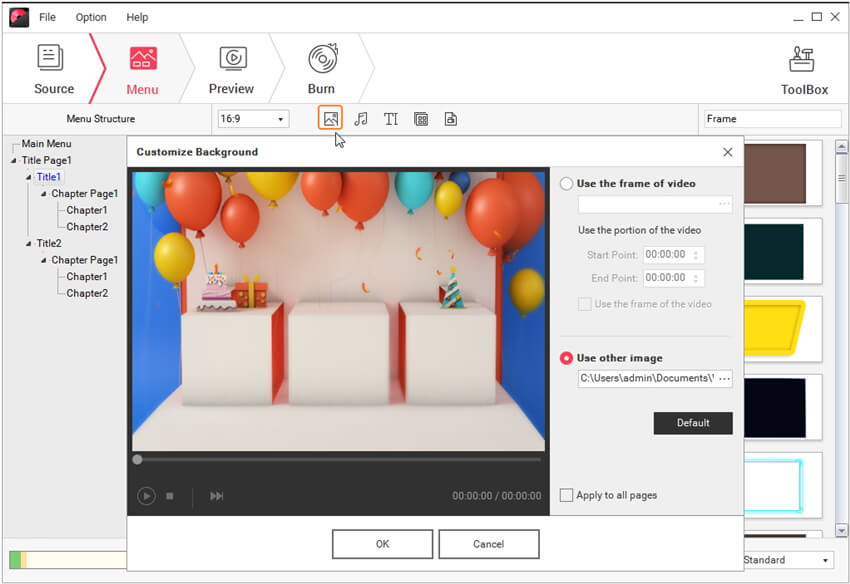
Add your own background music/picture, set title thumbnail, etc. to customize the DVD menu as you like. No menu is also supported.
Crop, trim, rotate videos, set special effects, etc. to instantly enhance your videos.New
Combine a series of videos into a DVD or split a single video to choose the sections your need.

Easy and Fast DVD Creation - Burn to DVD with a Click

Easy and Fast DVD Creation - Burn to DVD with a Click
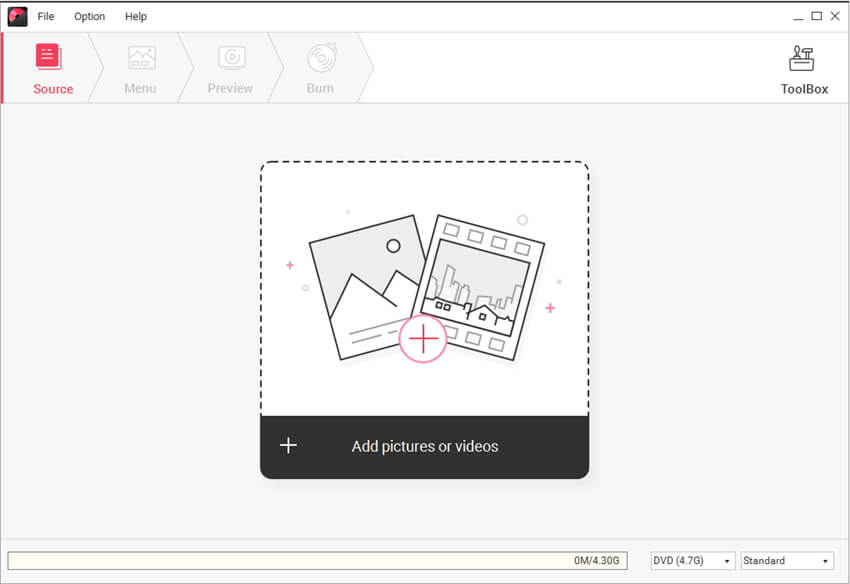
Intuitive interface, load videos, edit videos and burn videos, easy and fast.
Preview the original and output videos before you create DVD with a built-in player.
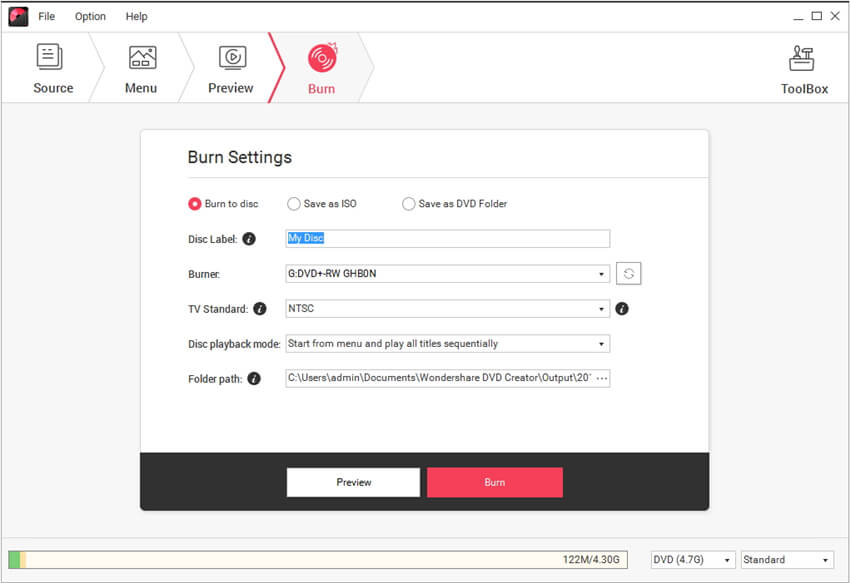
Choose from 3 output formats: DVD disc, DVD folder and ISO files to burn.
Flexible control of DVD quality and DVD disc: (D9 or D5).

More Features

Media Browser

Media Browser

A Media Browser is provided to preview or import media more conveniently.

Preview DVD

Preview DVD

Before burning DVD, you can preview to ensure the DVD menu, video effects, etc. are suitable.

Favorite Menu

Favorite Menu

Add the DVD menu templates you like to My Template so that you can find it quickly later.

Free Lifetime Technical Support

Free Lifetime Technical Support

Free lifetime technical support and upgrade service are available

You May Be Interested in These Items
AllMyTube for Mac

AllMyTube for Mac

Download online videos, convert and manage videos freely and easily.

$39.00 $29.00

Video Converter Ultimate for Mac

Video Converter Ultimate for Mac

Convert home DVDs, convert videos, burn and copy home DVDs, download online videos from video sharing sites.

$75.00 $59.95

Video Editor for Mac

Video Editor for Mac

Edit and enhance your videos with rich filters, text effects, transitions, etc. for sharing anywhere.

$49.99 $39.99