Wondershare DVD Creator

DVD Creator

Create a DVD Masterpiece with Photos, Video and Music

Burn all standard and HD video to DVD with high video quality
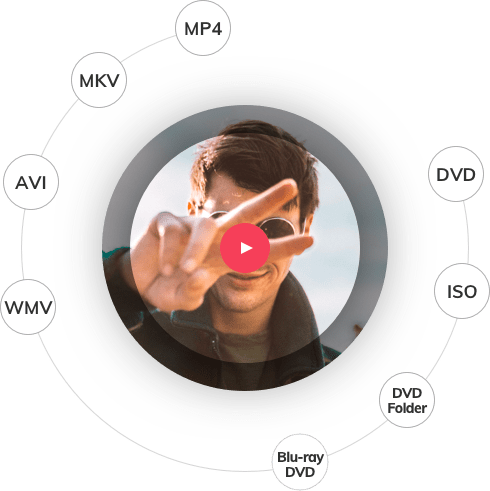
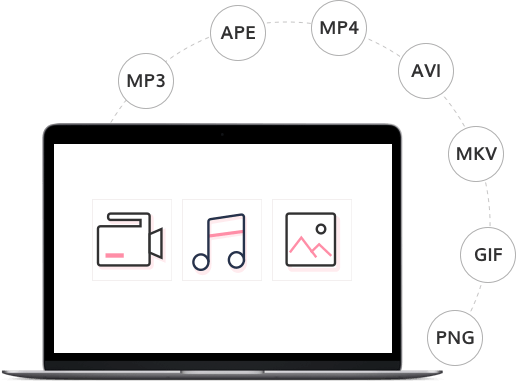
Burn virtually any video, audio, or image format
Create DVD slideshows with music and effects
Edit and retouch videos and photos with a built-in editor New
Now supports Windows 8

Supported OS:

Whatever's on Your Computer, Watch It Now on DVD

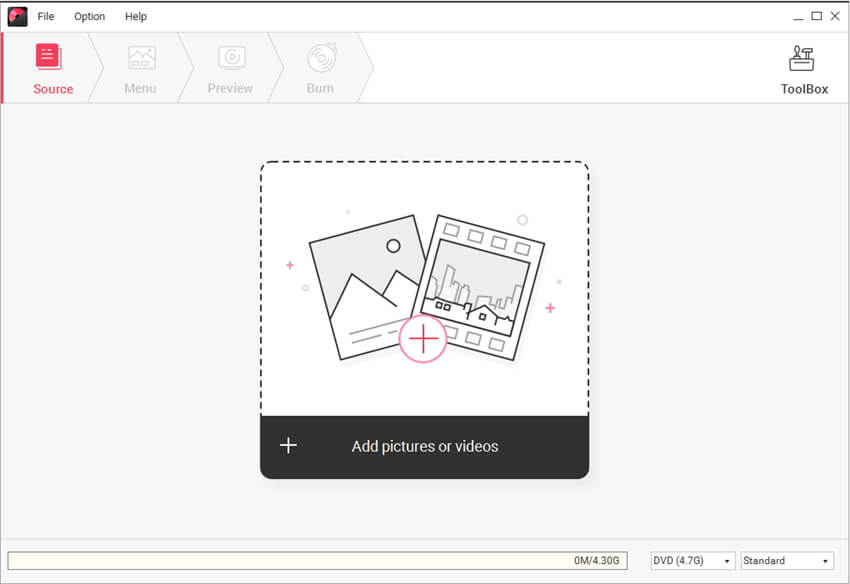
Want to make your own movies? Or maybe you just want to finally burn that film collection on your computer to DVD. Whatever you want to watch, Wondershare DVD Creator does it all. Simply drag your favorite feature film into DVD Creator for Win (Windows 8 supported), adjust the quality and click burn. Or use DVD Creator's powerful built-in editor to combine your own photos, videos and music into home movies, slideshow, really whatever your imagination can handle.

Burn Video, Photos and Audio Almost in Any Format

Burn Video, Photos and Audio Almost in Any Format
Burn video to DVD from all popular SD video formats, including AVI, MP4, MPG, MPEG, 3GP, WMV, ASF, RM, RMVB, DAT, MOV, etc.
Burn HD video like MTS, M2TS(AVCHD H.264), TS(MPEG-2), HD MKV(H.264, MPEG-2 HD), HD WMV(VC-1), HD MOV(H.264, MPEG-4), etc.
Make photo DVD slideshows from BMP, JPEG, PNG, TIFF, GIF, etc. and combine photos and videos together to preserve your memories.

A Built-in Editor Lets You Touch up Films or Craft Your Own

A Built-in Editor Lets You Touch up Films or Craft Your Own
Rotate, crop and trim video files to remove letterboxing, crop or capture your favorite clips. New
Adjust video brightness, contrast, saturation and other special effects for a better visual experience. New
Add image and text watermarks to videos to identify each film as yours. New
Rotate photos, add text to photos, add photo transition effects and insert background music for better photo slideshow making.

Customize Your DVD with Free DVD Menu Templates

Customize Your DVD with Free DVD Menu Templates
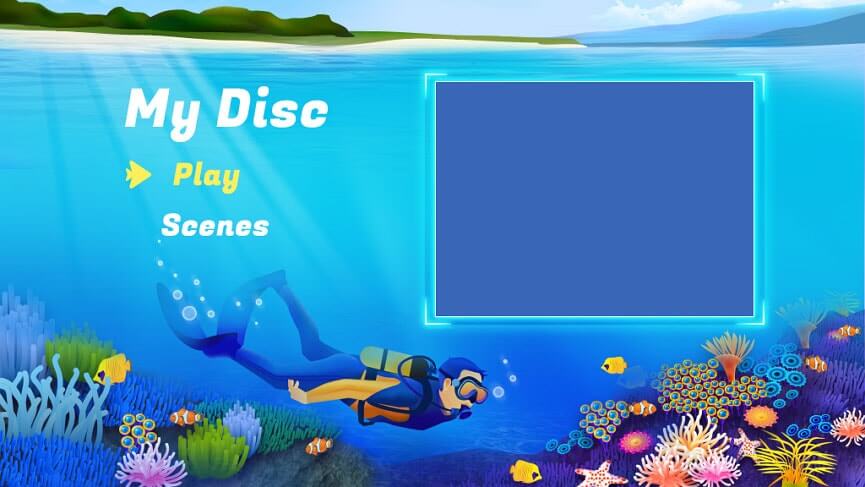
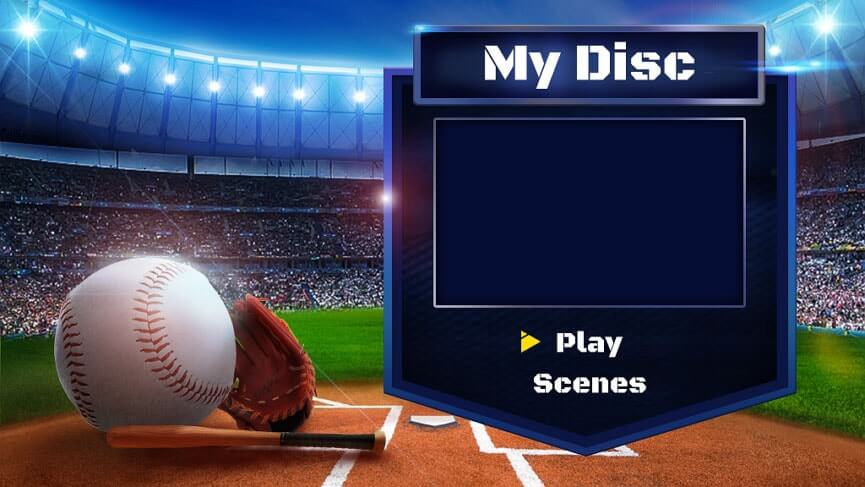
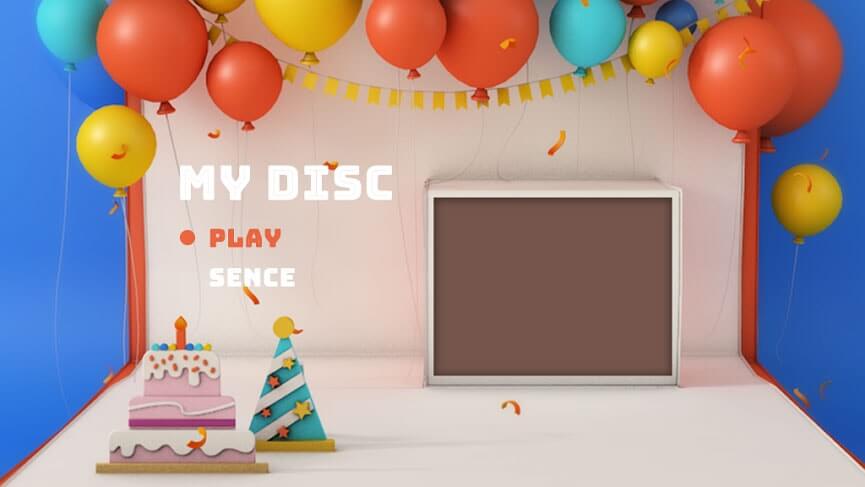
40 free static and dynamic DVD menu templates are included, or just leave off the menu entirely.
Customize the thumbnails, buttons, frames and text of your DVD menu. New
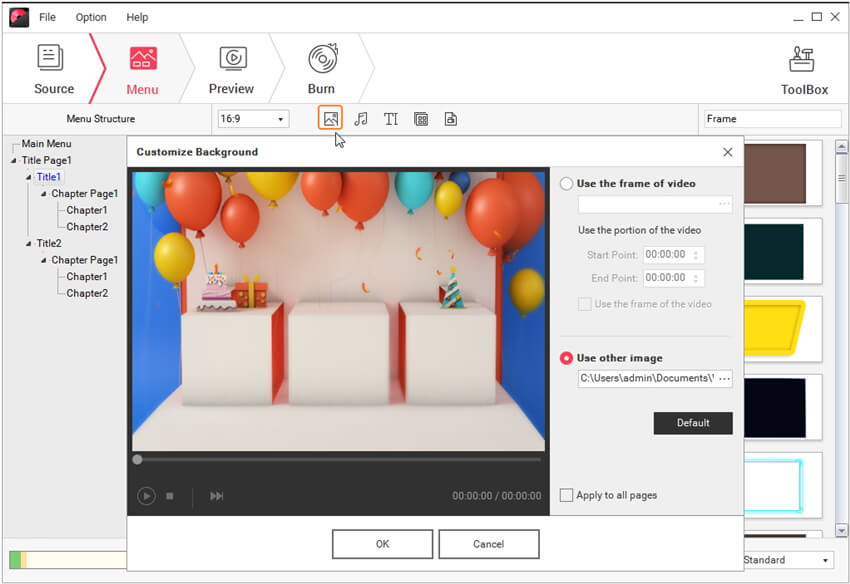
Personalize the DVD menu background image and music with your favorite picture and song.

Preview and Burn Your DVDs at Top Speed

Preview and Burn Your DVDs at Top Speed
Preview your DVD project before burning with a built-in player to ensure all goes as you want.
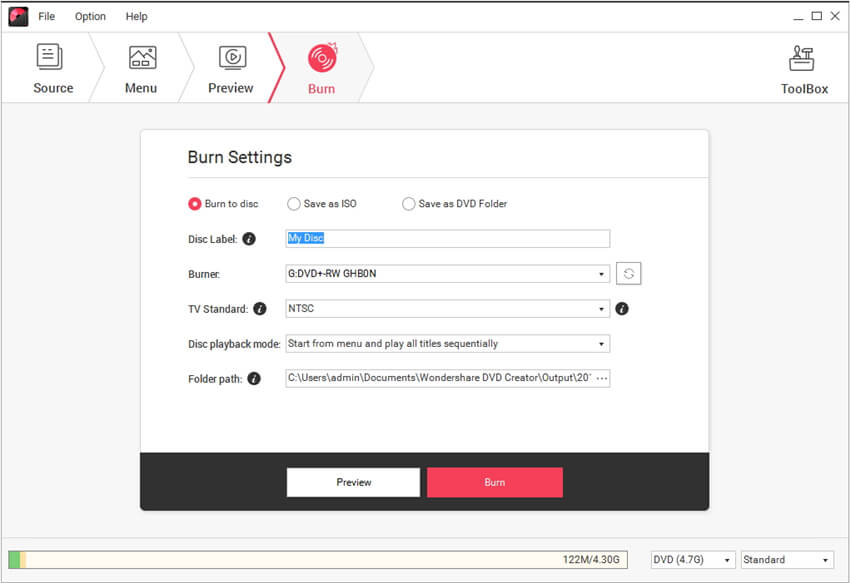
Choose from 3 output formats: DVD disc, DVD folder and ISO files to burn.
Support all popular recordable disc types: DVD–5 and DVD–9; DVD-R, DVD+R, DVD-RW, DVD+RW, DVD+R DL, DVD-R DL, DVD-RAM.

More Features

Real-time Preview

Real-time Preview

Real-time preview videos and photos while editing to ensure the effect.

Set Video Aspect Ratio

Set Video Aspect Ratio

Set the video aspect ratio as 16:9 or 4:3 to fit player screen size before burning.

Adjust Volume

Adjust Volume

Free to adjust the volume of videos and background music for better effects.

You May Be Interested in These Items
Video Converter Ultimate

Video Converter Ultimate

All-in-one video converter to convert video & home DVD to nearly any video/audio format, and burn DVDs.

$69.95 $59.95

DVD Slideshow Builder Deluxe

DVD Slideshow Builder Deluxe

The ultimate DVD slideshow software to turn your photos and video clips into stunning DVD slideshows.

$69.95 $59.95

Flash Gallery Factory Deluxe

Flash Gallery Factory Deluxe

An all-in-one flash slideshow maker to create photo gallery for sharing on websites and blogs.

$59.95