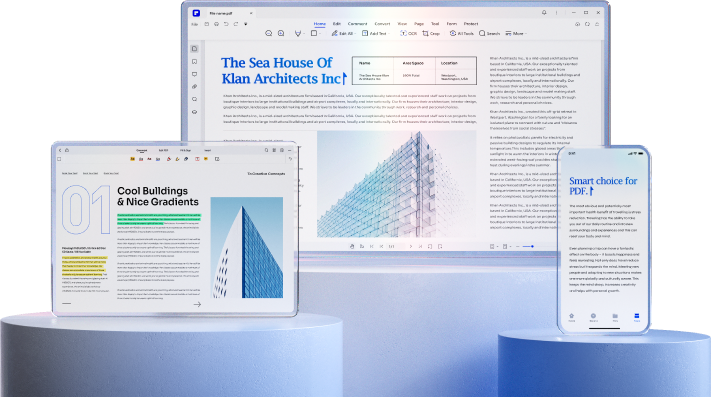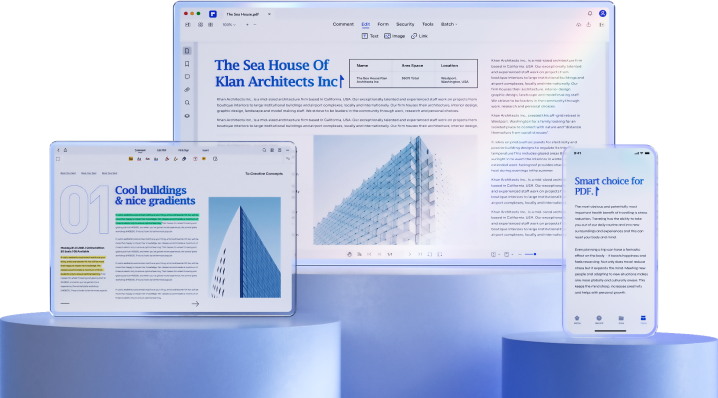
Wondershare PDFelement
Smart PDF Solutions,
One-stop PDF solution powered by AI. Fast, affordable, and easy way to edit, convert, sign PDFs, and more - accessible across desktop, mobile, and web platforms.
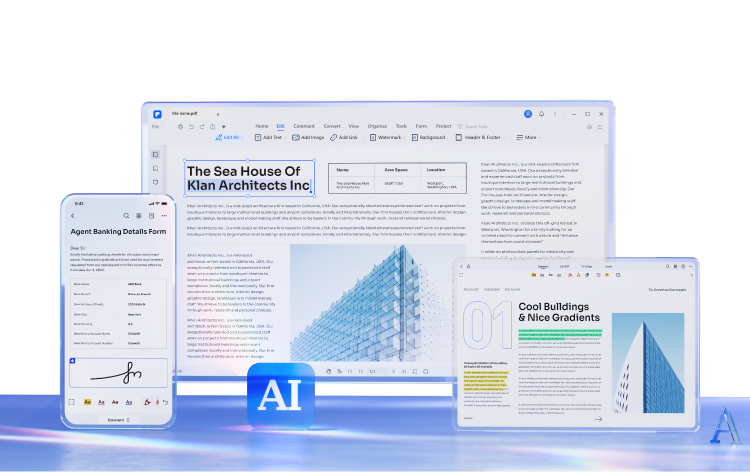

Handle PDF documents smartly with AI.
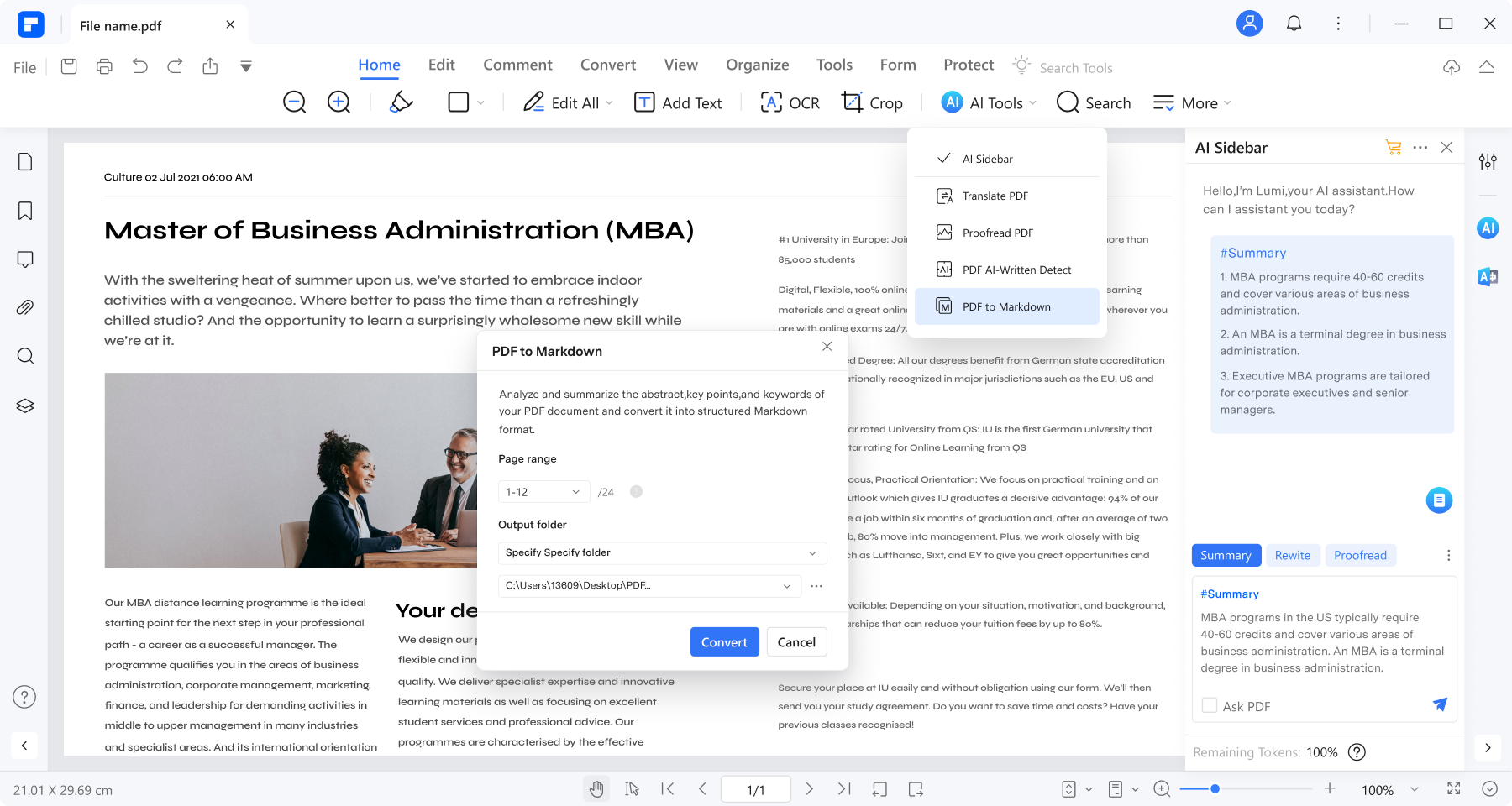
- Quickly summarize PDFs into text summaries and export them as Markdown files.
- Translate or rewrite entire PDF documents and export modified versions instantly.
- Translate or rewrite entire PDF documents instantly.
- Translate or rewrite entire PDF documents and export modified versions instantly.
- Customize your AI prompts for unlimited possibilities in PDF work and study.

Edit PDF like Word.
- Add text, images, and shapes to PDFs.
- Change sizes, colors and font styles of the text and link.
- Insert links and add watermarks to your document.


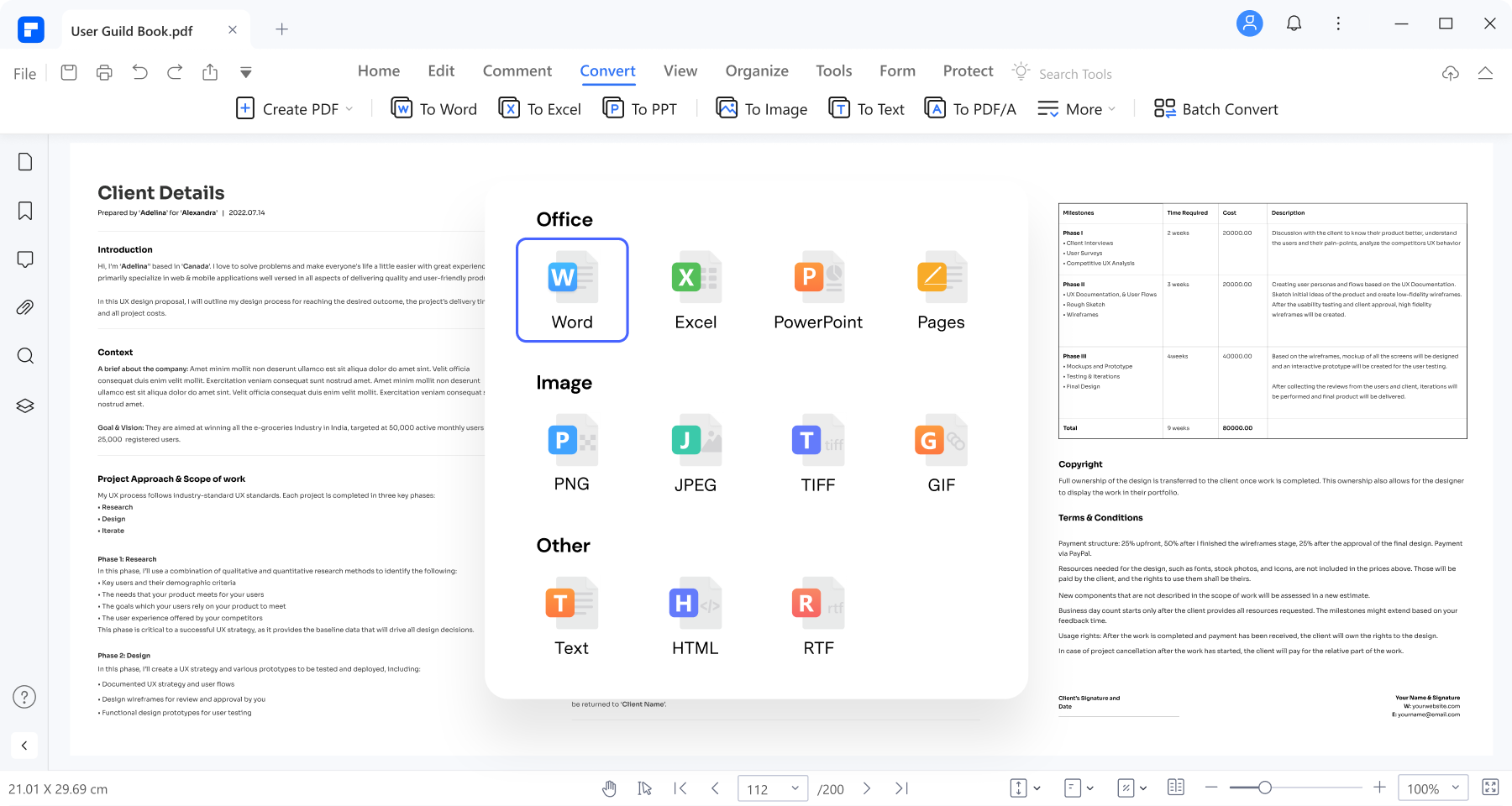
Convert files to and from PDF format in high quality.
- Convert PDFs to Word, Excel, PNG, JPG, etc., and vice versa.
- Batch convert multiple files at once to streamline your tasks.
- Convert PDF files without altering formatting, ensuring high-quality results.

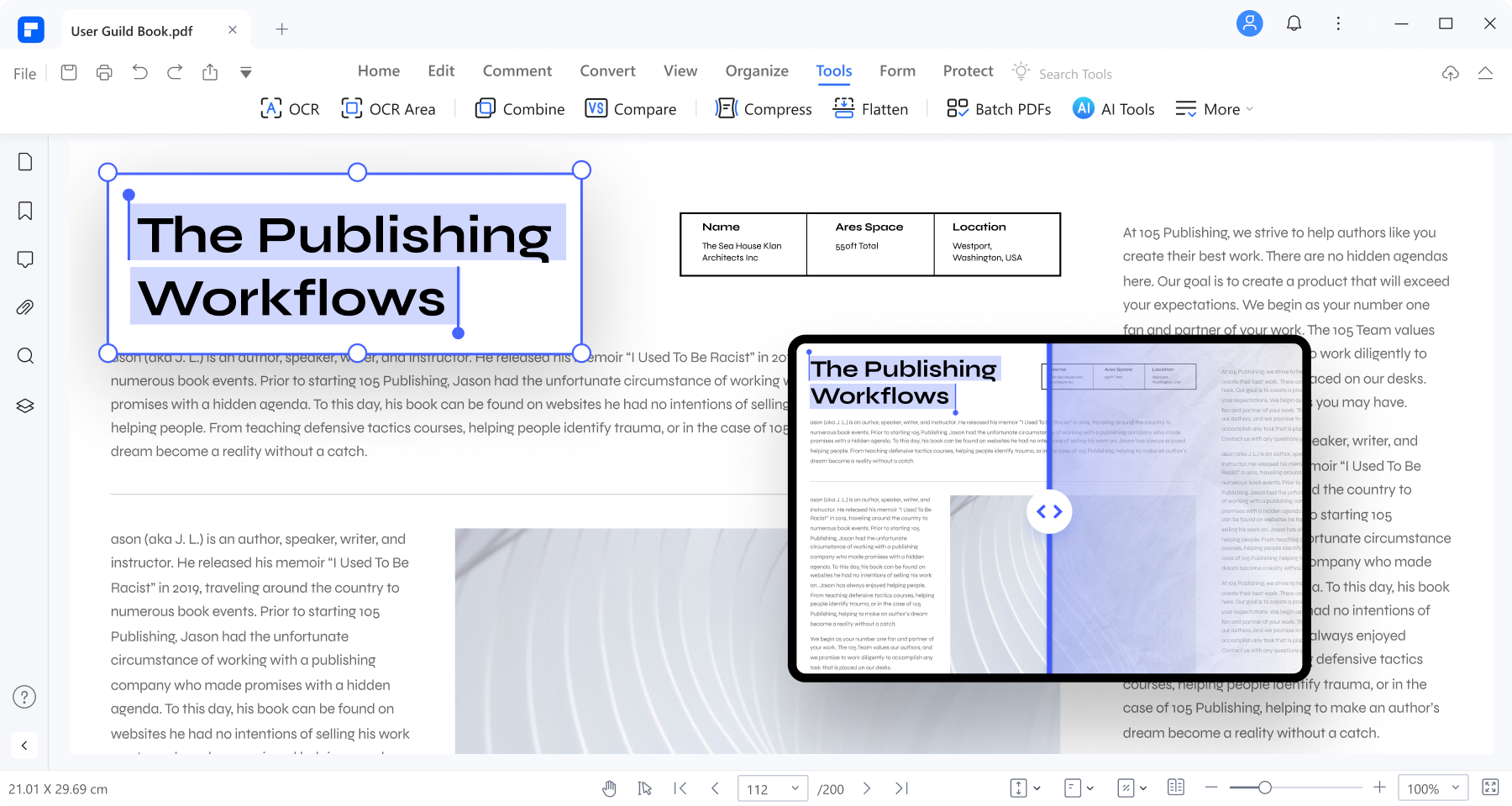
Recognize text in PDFs with OCR.
- Recognize text from scanned PDFs and images.
- OCR PDFs to Word and editable/searchable PDFs in 23 languages.
- Batch OCR PDFs/scanned images into text within seconds.

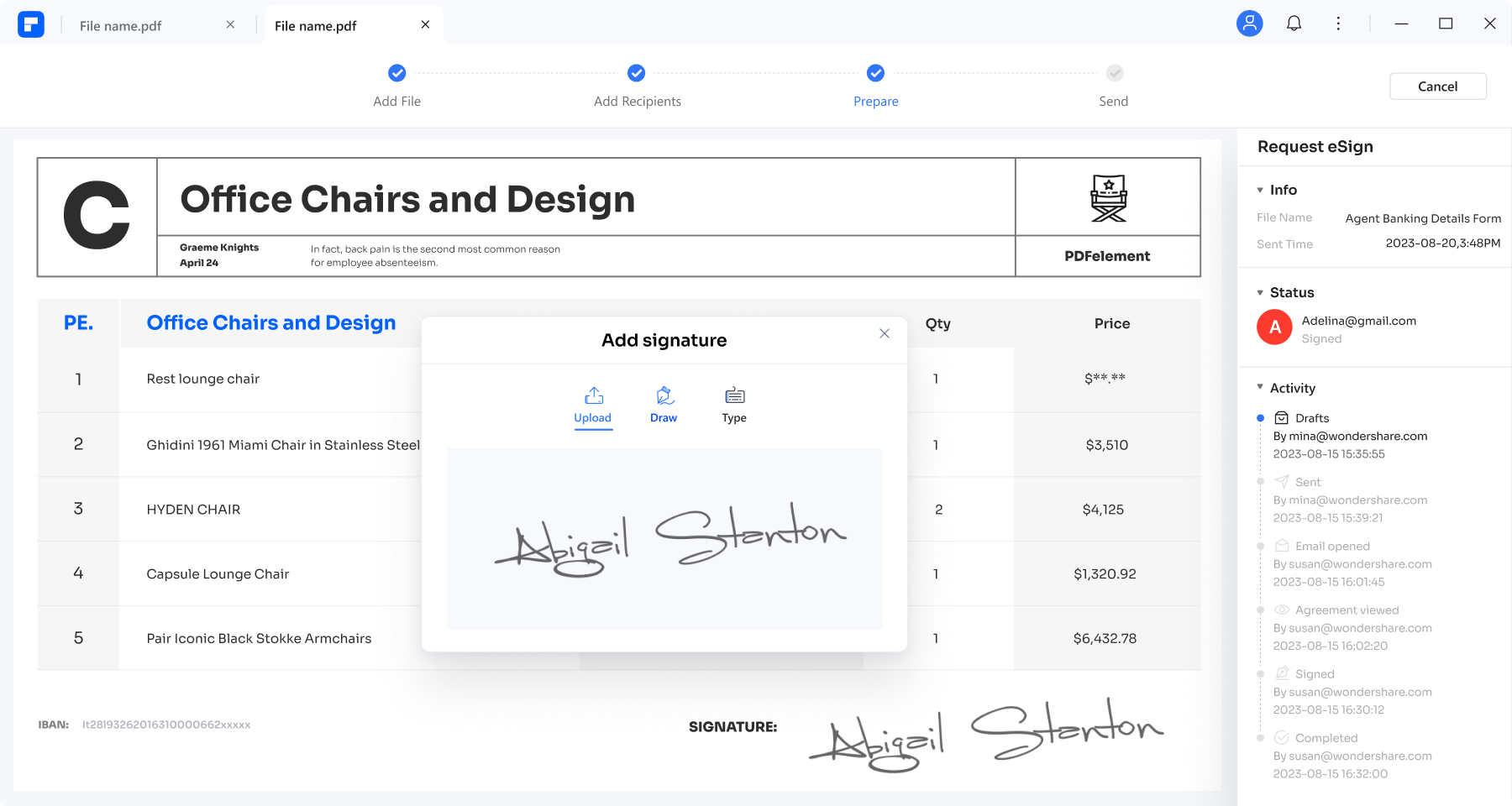
eSign PDF documents with certificate-based signatures.
- Open and sign PDF docs with legally binding e-signatures on-the-go, ensuring compliance.
- Create e-signable PDFs and send them in bulk to recipients for convenient signing across devices.
- Track and manage the latest status of every signed document in real time on any device.

Create PDF from any file.
- Create PDF from images, Word documents, and various formats, including Batch Create.
- Quickly create PDFs from scanners with the deskewing feature for precision.
- Start from scratch by creating a blank PDF page.


Organize PDF pages.
- Merge, split, or rotate PDF pages seamlessly to suit your needs.
- Compress PDF to reduce its file size for optimized storage and sharing.
- Extract PDF pages for focused content management.


Read PDF with the enhanced Read Mode.
- Immerse yourself in Read Mode, featuring flexible annotation tools and AI assistance for an enriched reading journey.
- Easily switch between Light mode and Dark mode for personalized visual comfort.
- Read PDFs while adding markups with annotation tools like highlights, underlines, notes, and text comments.


Create and fill PDF forms.
- Recognize and fill in PDF forms for efficient data entry. Batch modify form field properties supported.
- Create a fillable PDF with text fields, checkboxes, combo boxes, images, and more.
- Create a fillable PDF with text fields, checkboxes, ratio button, list boxes and more.
- Create a fillable PDF with text fields, checkboxes, combo boxes, images, and more.
- Extract data from PDF form into Excel with a single click.


Protect PDF and your information.
- Safeguard your PDFs by adding passwords for enhanced security.
- Create a signature and eSign your documents.
- Ensure privacy by redacting sensitive information from your PDFs.


Secure, Compliant, and Professional PDF Software - Award-Winning.
PDFelement has won G2 Best Software Awards 2024 - Top 50 Office Products, received ISO 27001 -
Information Security Management certification, and is a recognized member of the PDF Association.



Why choose PDFelement?


powered by AI
with AI, save time for all PDF tasks.


interface
beginner-friendly interface.


customer services

to Adobe Acrobat
powered by AI.
customer services





A smart PDF solution across all devices.
Experience the power of AI-powered PDFelement to enhance your PDF workflow
across Windows, Mac, iOS, Android, and cloud platforms.
Feature |
For Desktop |
For MobileA complete PDF editor for iOS & Android


|
Document CloudA PDF productivity solution on the cloud
try it free
|
All-in-one PDF editor for Windows & iOS & Cloud
$199.99/Year
See Pricing>>
|
|---|---|---|---|---|
| AI Sidebar | ||||
| AI Summarize/Proofread/Translate PDFs | ||||
| AI Summarize PDF to Markdown (Only for Windows) | ||||
| eSign PDFs Legally | ||||
| Annotate | ||||
| Move/Copy/Delete/Split Pages | ||||
| Combine | ||||
| Add Password | ||||
| Cloud Storage | 20GB | 20GB | 100GB | 100GB |
| Edit |
An easy PDF editing solution for all needs.

Education
Boost your reading and learning experience with AI assistant in our PDF reader and annotator. Enjoy auto-summarization, on-the-fly translation, rich annotation tools, and more.
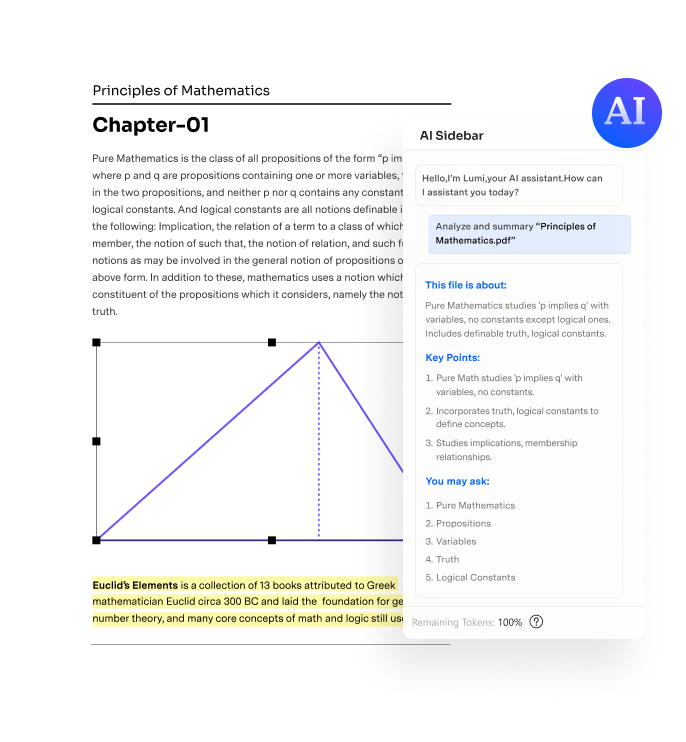


IT & Professionals
Maximize efficiency with swift file conversion and instant AI assistance. Effortlessly generate top-notch technical manuals from Word, Excel, and various formats. Easily check text and code grammar with the AI assistant powered by ChatGPT.


Publishing
Improve efficiency for publishers. You can easily combine, move, and delete pages to get books ready for review and printing.


Healthcare
Easily create and fill out medical and insurance PDF forms. Achieve better care coordination with electronic medical records.


Finance
Go paperless and save time with a certificate-based digital signature. Securely sign PDF documents for authorization in a faster way.


Legal & Government
Protect confidential information with one click. Redact text or images to hide sensitive information or lock important PDF files.


Small Business
Simplify your PDF workflow in teamwork with legally binding e-signatures and secure PDF management.


Tips & tricks about PDF editor.






Smart PDF Solutions, Simplified by AI.