
Your Smart Android Transfer and Managing Solution
· Manage data through preview, delete, export, etc.
· Transfer files and data between Android and computer.
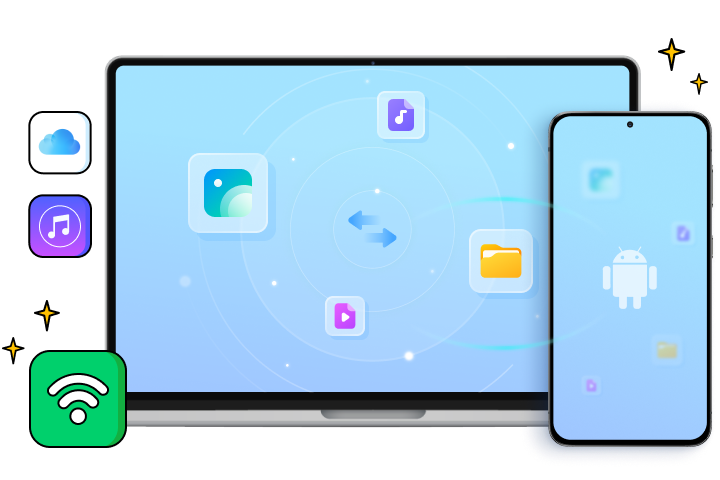
· Transfer media files between iTunes and Android.
· Import contacts from iCloud to Android/computer.
· View and manage mobile notifications on your PC.

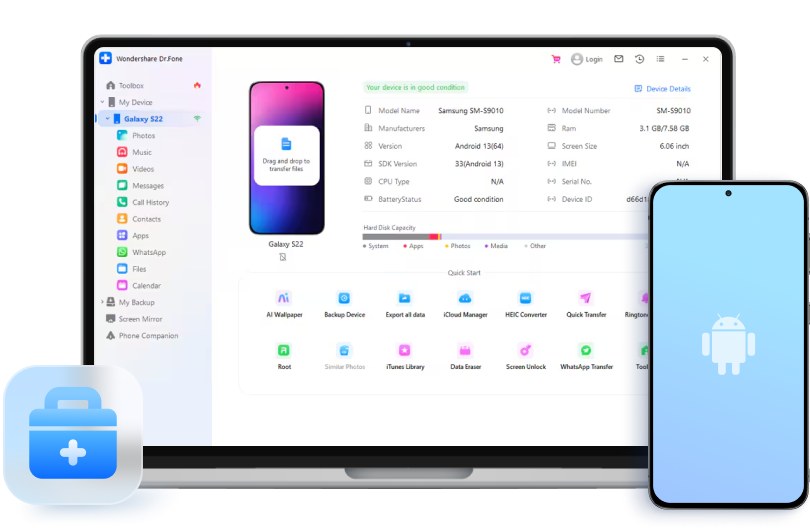
Excellent Features You Can Benefit from
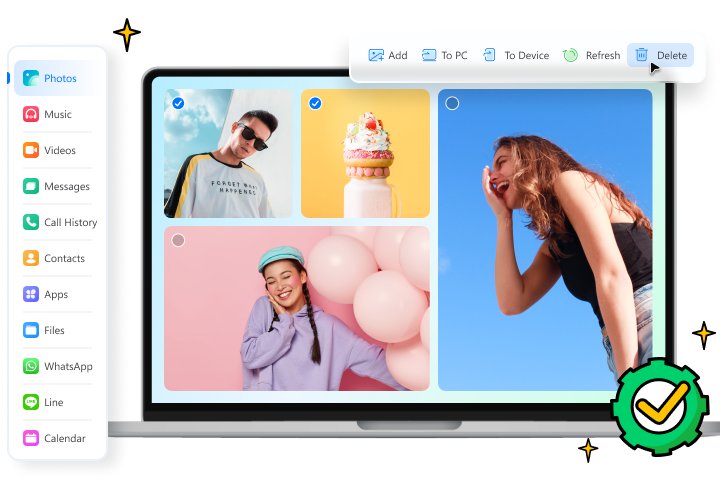
Effective Personal Data Management
Get the most out of your Android data with an effective data management tool. When data is managed properly, you can enhance data usability and quality.




Safe and Convenient Data Transfers
Dr.Fone allows you to seamlessly transfer data and files between Android and other devices, making your work and life more efficient and convenient.


More Features for You

Device Details Report

HEIC Converter

Ringtone Maker

Quick Transfer
3 Steps to Transfer Files from an
Android to a Computer
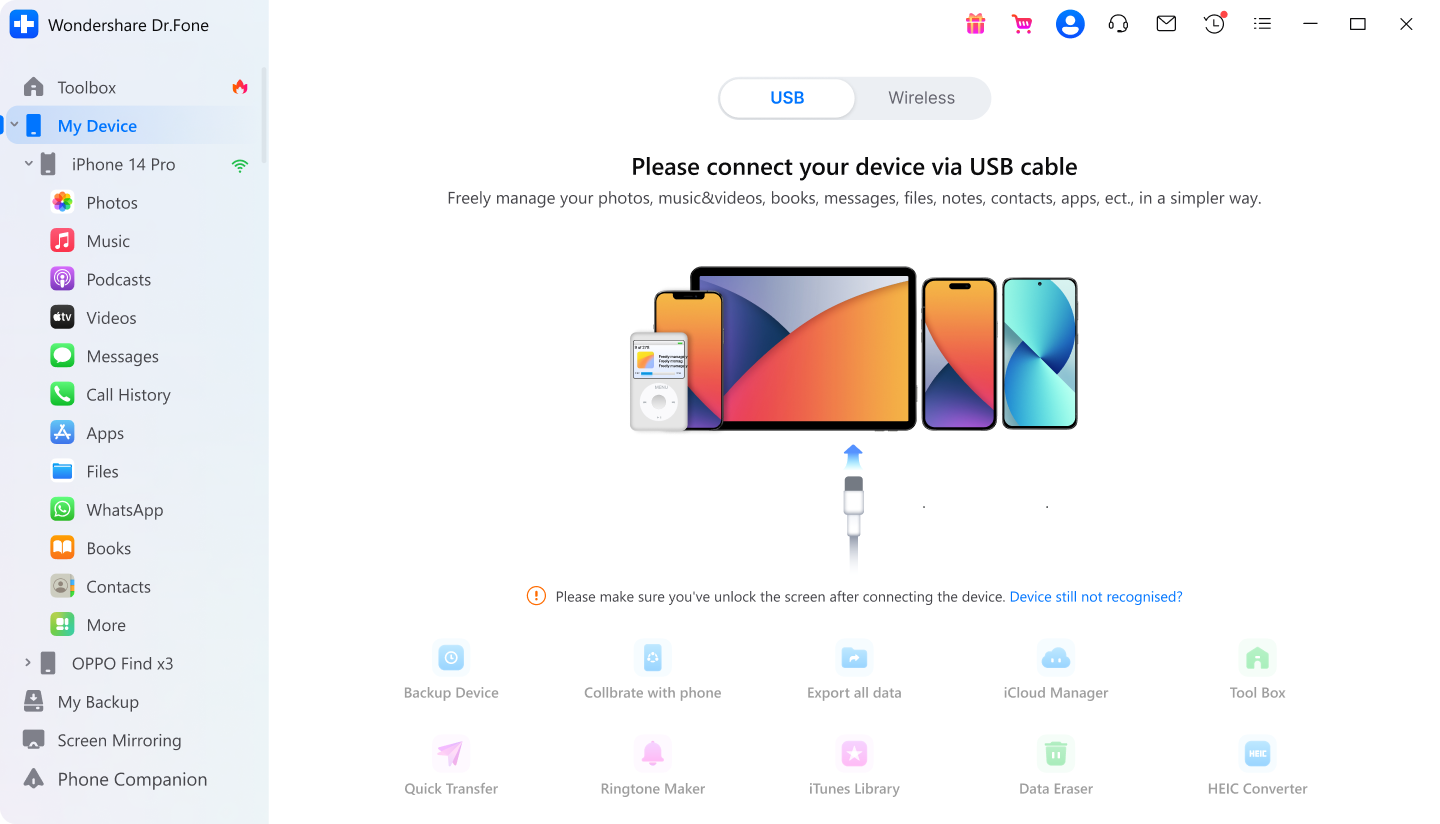
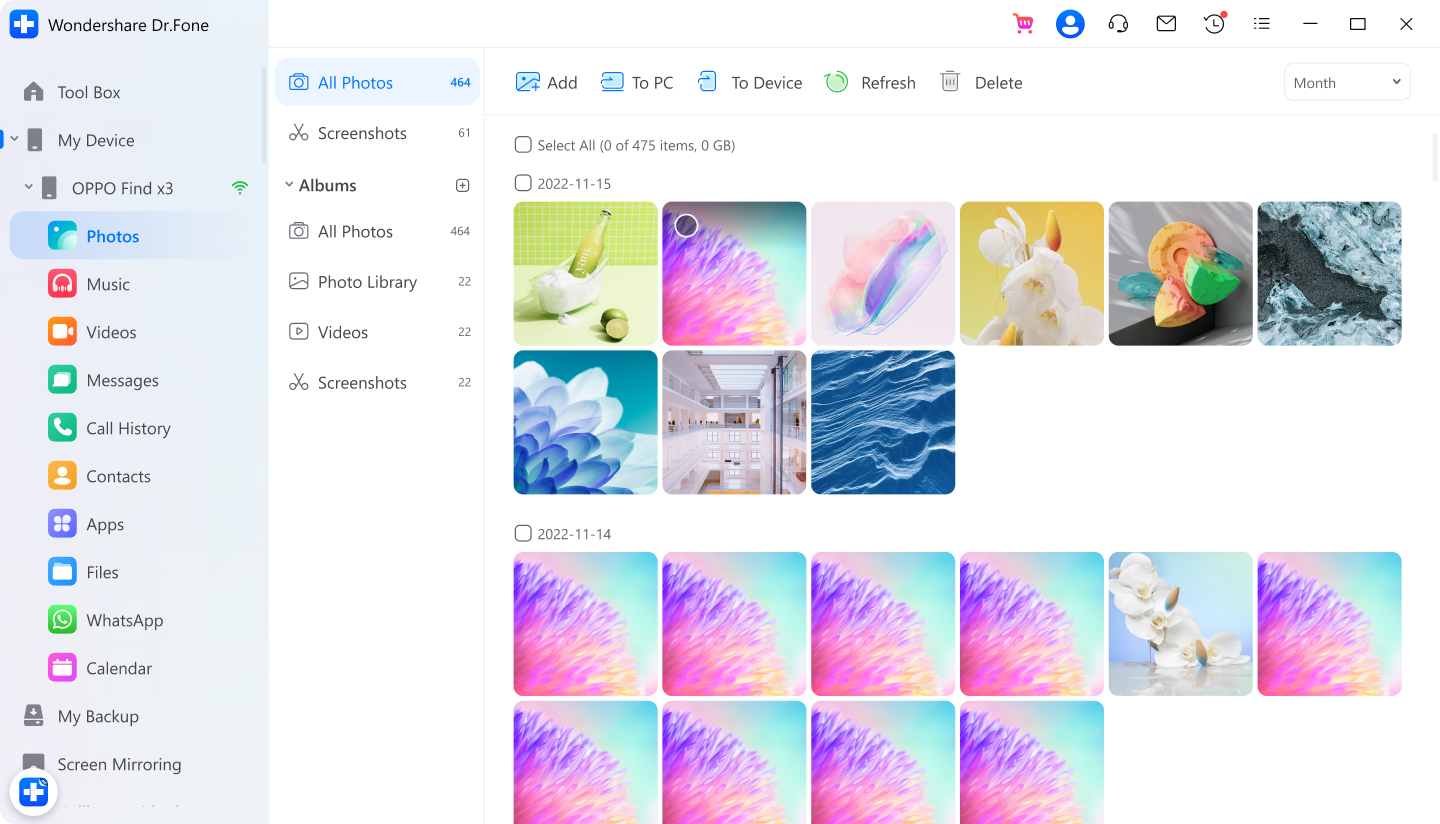
Step 1: Connect your Android device
Step 2: Select files for export/ transfer
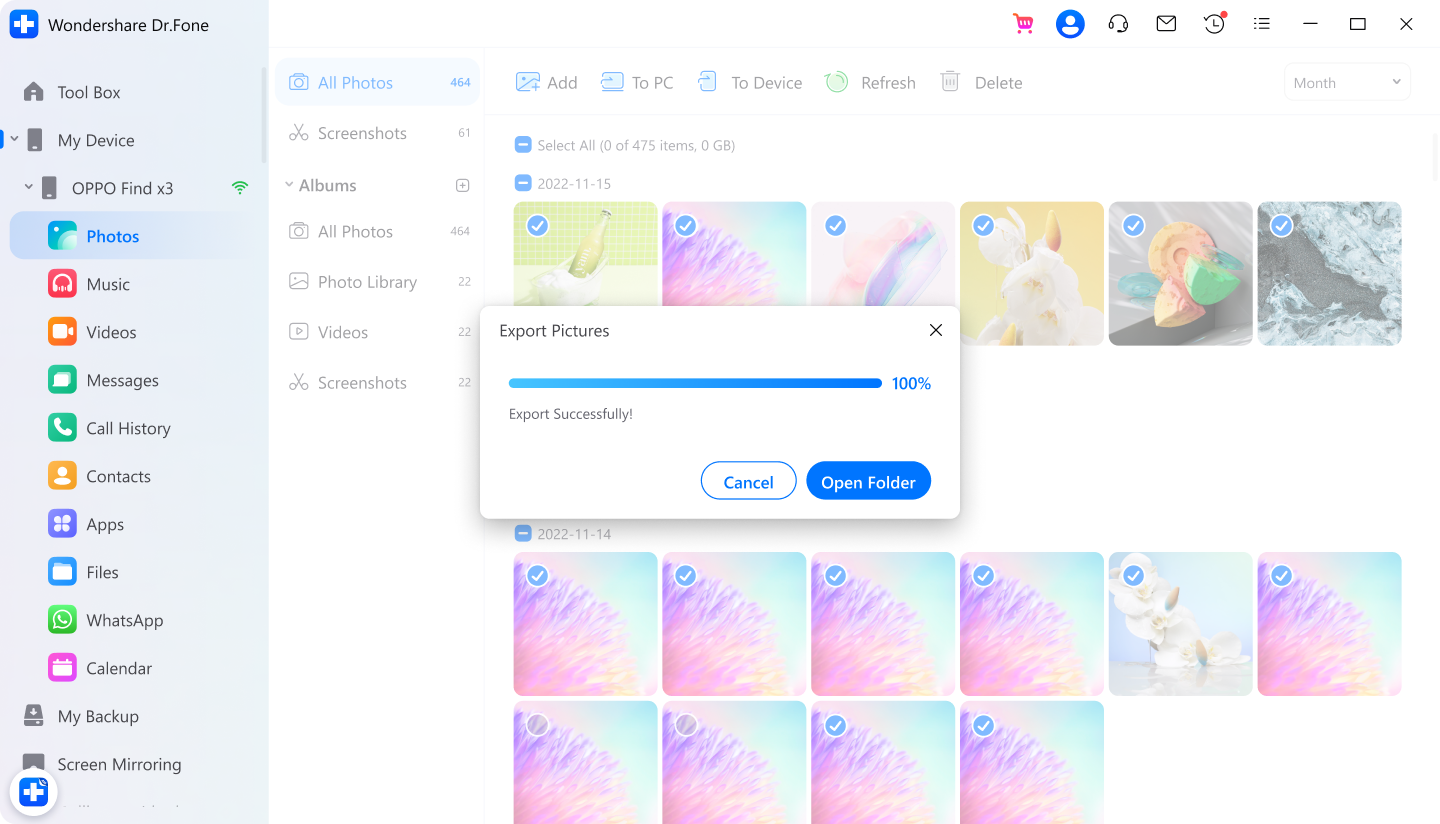
Step 3: Begin to export/transfer
Tech Specs
Processor
RAM
Hard Disk Space
Android OS
Computer OS
Requires mac OS X 10.8 & higher
FAQs - You May Still Be Wondering
-
How to browse/access Android files on your Windows PC?There are various ways to sync Android to your computer, like using a USB cable, Bluetooth, Wi-Fi direct, or even cloud storage. The most common Android and PC syncing method is connecting Android to a PC using a USB cable. Here is how:
Step 1. Connect your Android to the computer.
Step 2. After recognizing your Android, the computer lists several options, like "Open device to view files" or "Import pictures and videos".
Step 3. Let's say you want to sync pictures from Android to PC. Choose the corresponding option and continue.
Step 4. Then, the computer begins to import all the pictures from your Android; you can select "Erase after importing" as required. -
How can I wirelessly connect my Android phone to my PC using Dr.Fone?Using a USB to connect Android to your PC may sometimes take work. In this case, you need to opt for wireless Android transfer with a PC. Here is a simple way to do that:
Step 1. Launch Dr.Fone on your computer.
Step 2. Download the Dr.Fone Link app on your Android phone.
Step 3. Connect your Android phone and computer to the same Wi-Fi network.
Step 4. Use Dr.Fone Link to scan the QR code or enter the cast code to connect both devices.
Step 5. Once connected, the powerful Dr.Fone file explorer enables you to access every corner of your Android storage. So you can browse all files and folders on it. -
How to transfer files from Android to Mac?It's not surprising if people use Android phones and Macs. Some high-end Android models have higher performance than the iPhone and people prefer to use them with their Mac. But how to transfer files from Android to Mac? The program Android File Transfer is such a program for you. You can always choose Dr.Fone for Android transfer for Mac for its more accessible alternative.
Anyway, here are the steps to use the program Android File Transfer:
Step 1. Connect your Android to Mac with the USB cable.
Step 2. Get Android File Transfer downloaded on your Mac, install it, and open it (this may take a while).
Step 3. Navigate to the directories to find the files from your Mac.
Step 4. Find the desired file or folder and drag it into a place on your Mac.
Note: In the Android File Transfer program, all the directories are not grouped by file type, and different Android devices may require different settings to work with the program.
All-in-One Data Manager Tool for Your Mobile Devices
When you need to transfer, manage, back up, restore data across devices, or mirror your screen to a PC, Dr.Fone helps you get it done—all in one place.

Phone Manager

Phone Backup
