


Important Notice
Dear Creators,
Thank you for being a valuable Wondershare member!
After careful consideration, Wondershare has decided to discontinue the PixStudio platform due to recent changes in our business strategy. PixStudio will be going offline on January 10, 2023. Users will be unable to access or log into the website.
If you currently use PixStudio and are looking for an alternative tool, you might be interested in switching to Media.io as it has some features in common with PixStudio. With Media.io, you can improve the quality of your creation and raise the value that it brings to clients.
If you have any questions about getting a refund or exporting your current projects, please scroll to the bottom of the page for the FAQ section.
Best regards,
Wondershare Team
Wondershare Team

Online Creativity Solutions for Your Visual Content Creation


Image Upscaler
Enlarge small size and lo-res images online by up to 800% without quality loss.
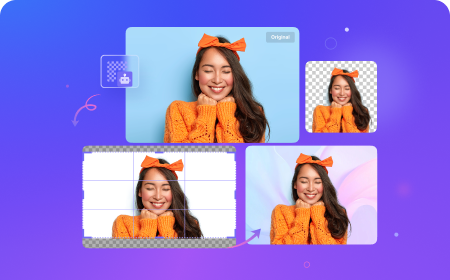
Image BG Remover
Remove and change background from images automatically with one click.


Image Watermark Remover
Remove watermarks and any unwanted objects from images instantly with ease.
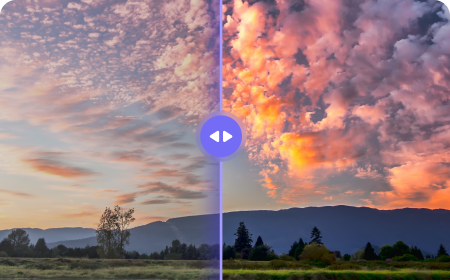

Auto Color Correction
Correct the color in images and videos with high quality automatically.
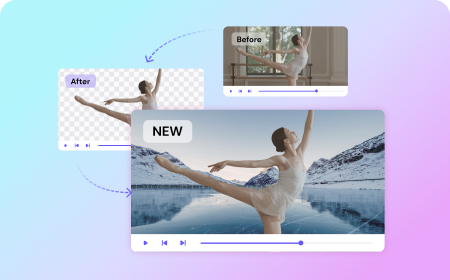
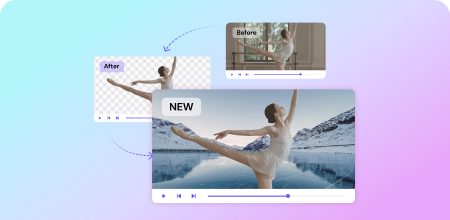
Video BG Remover
Remove video background automatically, even without green screen backdrops.
Video Effects
Create high-quality videos with our AI video effects on your browser with one click.
Any Questions? We Have Answers!
1. Why can't I access PixStudio anymore?
Due to recent changes in our business strategy, Wondershare has decided to discontinue the PixStudio platform. PixStudio will be going offline on January 10, 2023, and users will be unable to access or log into the website. We apologize for any inconvenience this may cause. You can continue using PixStudio until January 10 via https://ps.wondershare.com.
2. How do I export my designs in PixStudio?
Once PixStudio goes offline on January 10, 2023, you won’t be able to export original designs. If necessary, please contact our customer service and they will help you export all your designs and materials within 7 days. Please make sure to include your PixStudio account and password in your message.
3. If I previously purchased PixStudio, will I be charged automatically?
We have canceled the auto-renewal service for all paid users, and there will be no further charges. You can check on the account center.
4. Does Wondershare offer an alternative to PixStudio?
Wondershare Media.io provides advanced products that can help you improve the efficiency of visual content creation, such as keying (Image Background Remover) and image watermark removal (Watermark Remover). Media.io also offers some products that weren’t available in PixStudio previously, such as Auto Color Correction, Image Upscaler, Video Effects, Video Background Remover, and more. These products are free to try!
5. How can I get a refund?
Please contact our customer service, who will resolve your problem within 7 days in accordance with our refund policy.
6. How do I contact customer service?
Click here to contact customer service. Our support team will respond to your request within 24 hours.