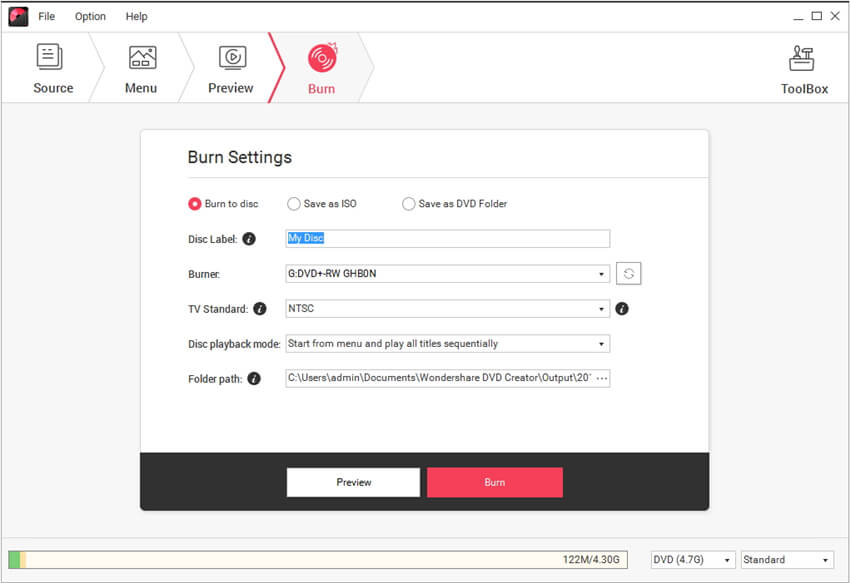
Burn Video to DVD/BD Folder/ISO

Create DVDs With Any Video
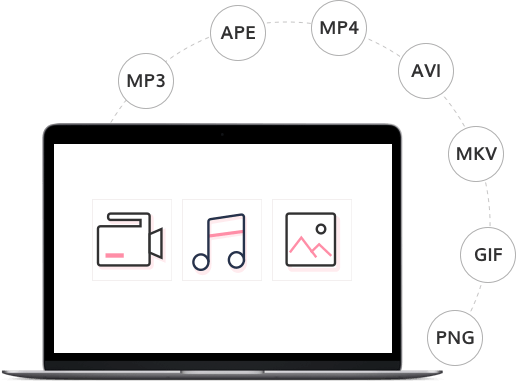
- Burn videos in 150 formats to DVD/DVD folder/Blu-ray DVD folder/ISO/Blu-ray disc, like MP4 to DVD, MKV to DVD, AVI to DVD, and more.
- Support all popular disc types: DVD-9 and DVD-5; DVD-R/RW, DVD+R/RW, DVD+R DL, DVD-R DL, DVD-RAM; BD-R, BD-RE, BD-25, BD-50, BD-100.
Note: Blu-ray discs are only available for the Windows version.
One Click to Burn DVD Easily

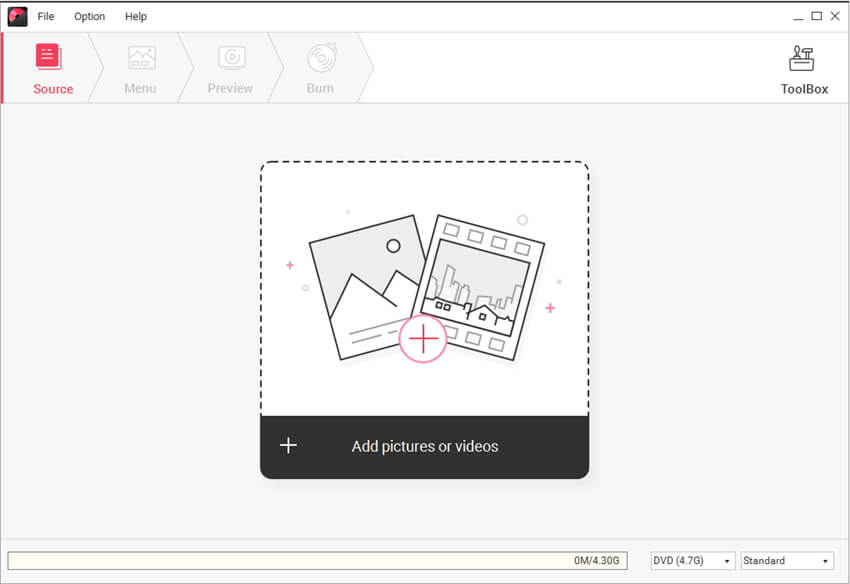
- Burn DVDs with one click, completely easy for everyone.
- Directly burn multiple videos of different formats to a DVD at one time.
- Create a DVD project file allowing you to quickly resume editing anytime.


Edit DVD Video With Built-in Video Editor
- Trim: Trim unwanted part of your home movies.
- Crop: Crop video to the proper size to fit your screen or remove the blank edge.
- Enhance: Adjust video brightness/contrast/saturation, and apply special effects for a better visual experience.
- Watermark: Add image/text watermark to video for copyright protection.
- Subtitle: Add subtitles to your DVD movies, including .srt, .ass and .ssa extensions.
Feasible CD Burner to Burn Music to CD
- Burn music to a CD with an easy and straightforward process.
- Empowered CD Burner for Windows 10, 8, 7, and XP.
- Support to burn MP3 and all other audio formats to CD.
- Rip CD easily with CD ripper function.