
1st Android Data Recovery Software in the World
- · Highest data recovery success rate in the industry.
- · Recover photos, videos, contacts, SMS, WhatsApp, etc.
- · Retrieve data from broken Samsung phones and Google Drive.
- · Support to recover data from 6000+ Android devices.
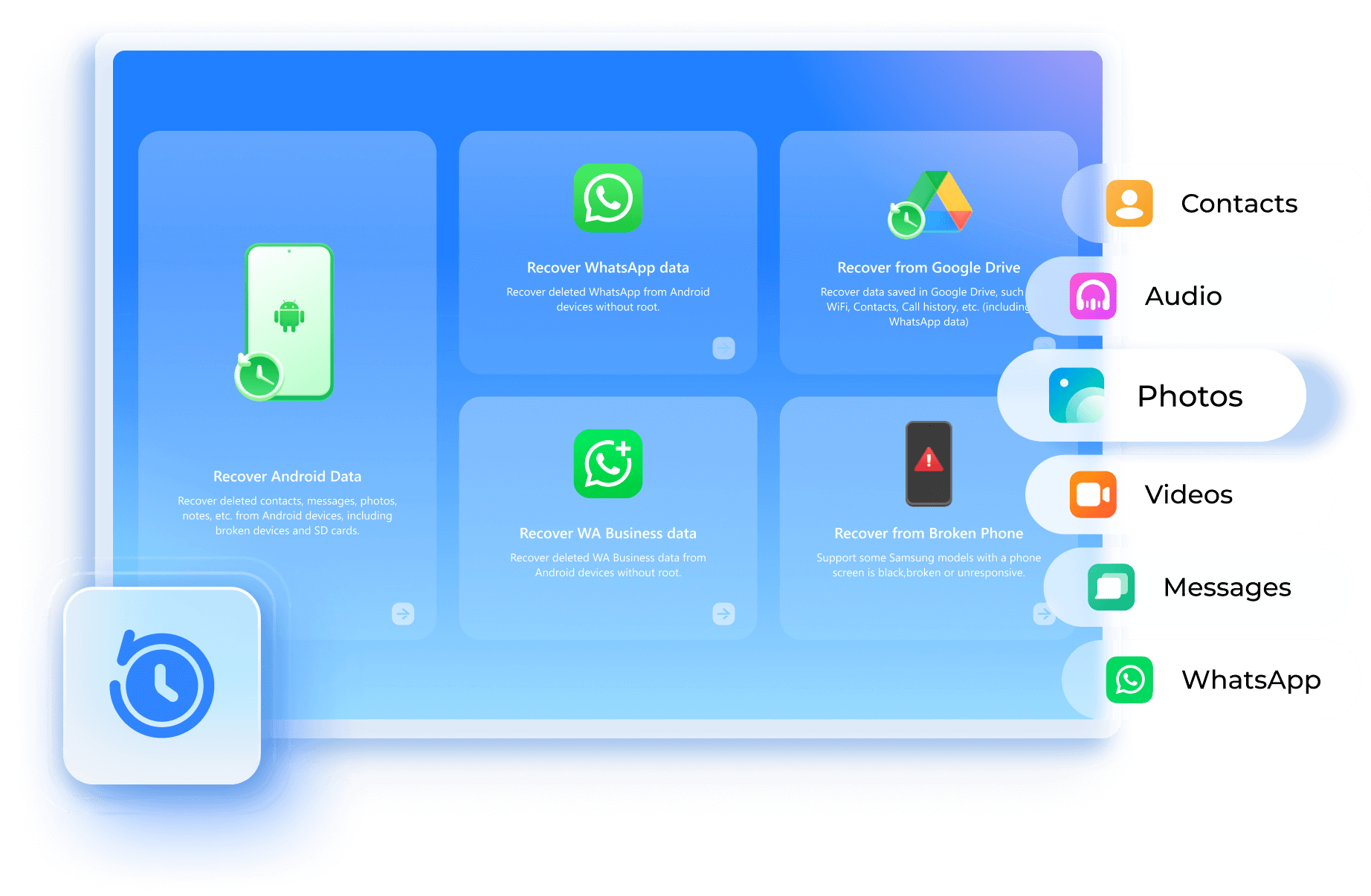
No Matter What You've Lost


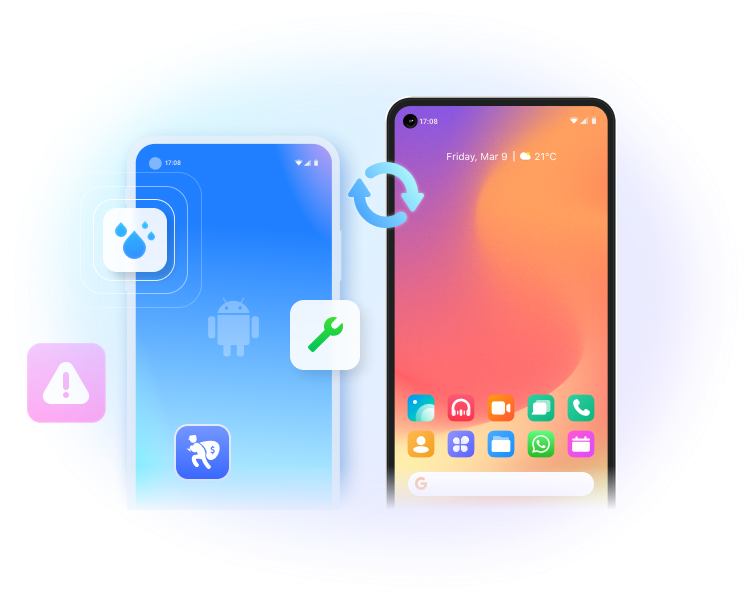
No Matter How You Lose It
Recover from Broken Phones
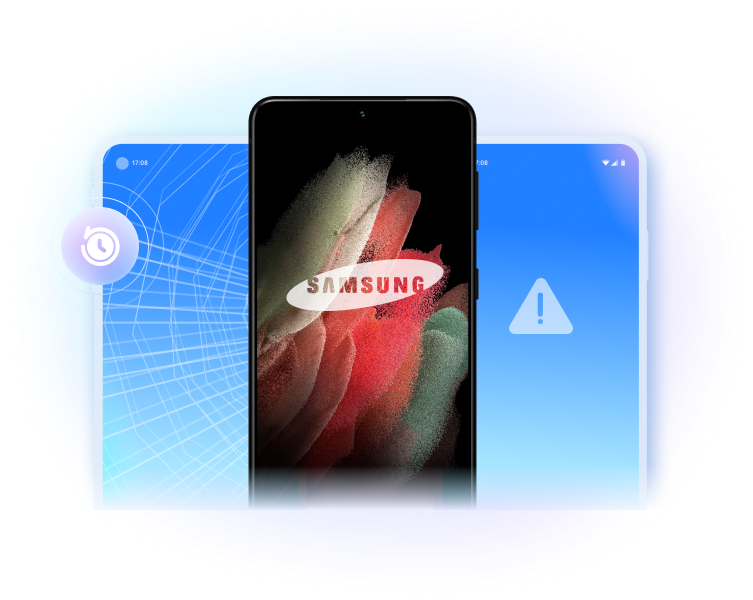
Support 6000+ Android Devices











Android Data Recovery Software vs. App
| Recoverable Files |
Data Recovery (Android)
|
Dr.Fone App for Android |
| Contacts & messages | ||
| Videos & Audios & Photos | ||
| Documents | ||
| APK recovery | ||
| WhatsApp recovery | ||
| Google Drive recovery | ||
| Free Download Free Download |


|
Scan the QR Code Below for Installation


3 Modes to Recover Data from Android

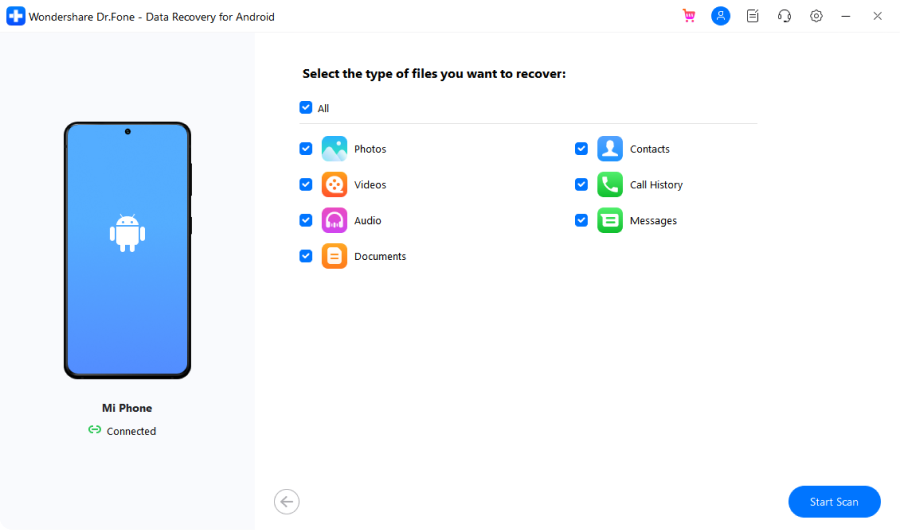
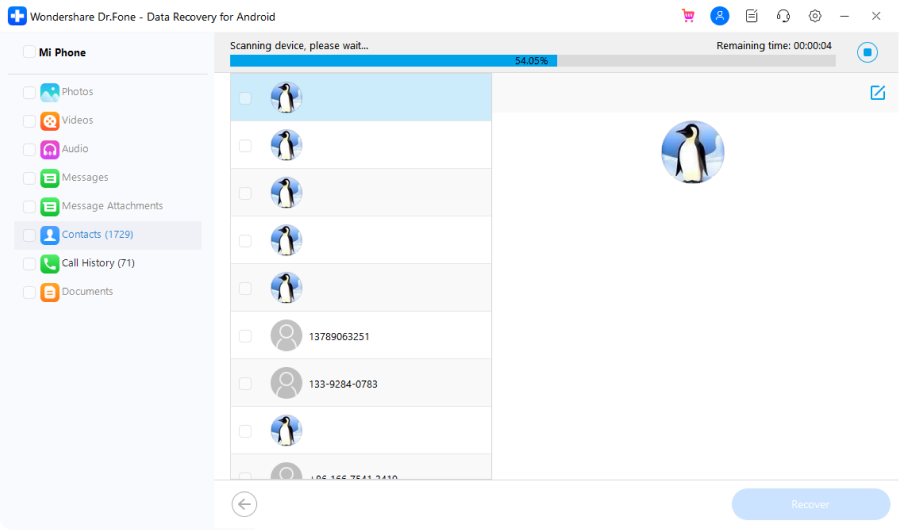
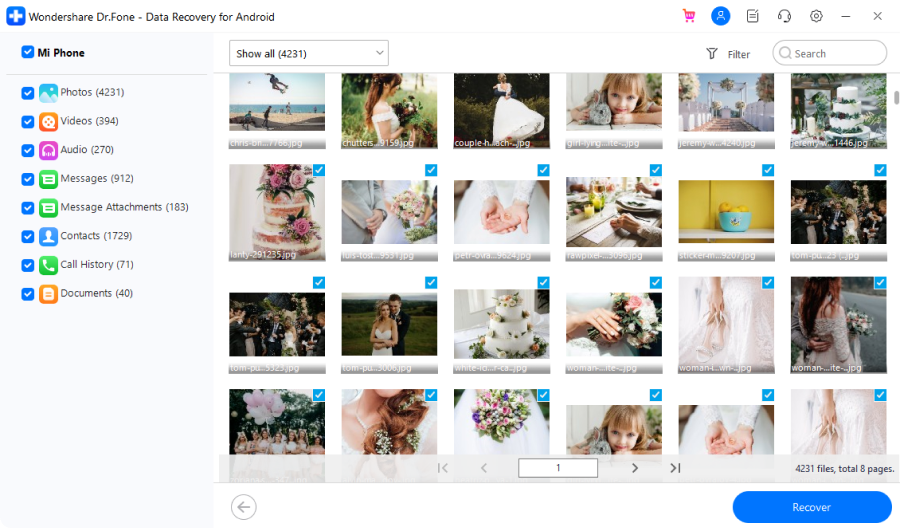
Recover from internal storage
Connect your Android to PC and let the software start an in-depth scan. All deleted files will be shown in minutes.

Recover from broken Android
When Android is broken, the highest priority is to rescue data from it. It's a simple connect-scan-recover process.

Recover from Google Drive
Have Android data backed up in Google Drive? It can extract data from Google Drive, including WhatsApp, easily.
Tech Specs
Processor
1 GHz or faster processor (Intel or AMD)
RAM
2 GB or more of RAM
Hard Disk Space
200 MB of available hard disk space
Android
Requires Android OS 2.1 or later
Computer OS
Requires Windows 7 or newer
FAQs - You May Still Be Wondering
-
How can I recover deleted photos from my Android phone's internal memory?To recover deleted photos from an Android phone's internal memory, you can follow the steps below.
- Launch Dr.Fone and select Data Recovery. Connect your Android phone to the computer using a USB cable.
- Select Photos from the supported file types and then select Scan mode.
- Dr.Fone will start to scan the files on the Android phone's internal memory.
- Preview the found photos and recover the deleted photos successfully.
-
Is Android data recovery free?There is some Android data recovery software that claims to be free. But basically, all of them have limitations. Dr.Fone - Data Recovery (Android) is the world's first Android data recovery software for personal use. It can help you recover contacts, messages, photos, music, call history, etc from Android phones. It only needs 3 steps to recover your Android data. Connect your phone to the computer, let Dr.Fone scan your phone, preview, and recover data successfully.
-
Is it possible to retrieve data from a dead phone?Many Android users have asked us, "Is it possible to retrieve data from my dead phone?" The answer is, "It depends on your phone model." Dr.Fone is able to extract data from more than 100 broken/dead Samsung devices. Just connect your dead phone to the computer and launch Dr.Fone. Follow the instructions to scan your phone. Preview and retrieve the data in a few clicks.
-
How can I recover deleted files from my Android without a computer?You can try the Dr. Fone Android data recovery App to recover deleted files on Android devices without a computer. It supports recovering photos & videos, messages, and contacts from Android devices. However, due to data reading permissions and data recovery theory, the desktop version of Dr.Fone can support more devices and file types with better recovery ability than all Android data recovery Apps. So, we still recommend you use the desktop software to recover deleted data on Android phones.
Android Data Recovery
This Android data recovery software allows you to scan and preview deleted files for free. After the scanning process, you can recover all at once or select only wanted ones to recover. It's a simple and click-through process.
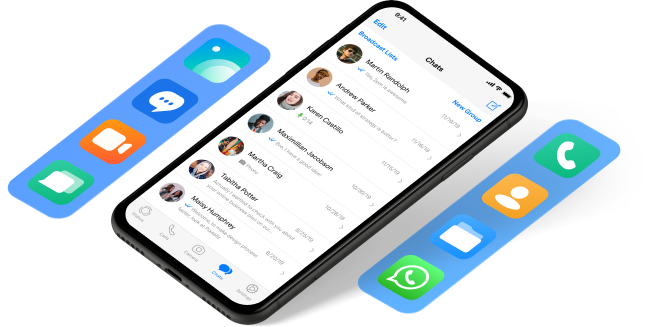


Keep Your Mobile at 100% with Our Complete Mobile Solution

All-in-one data management solution. Back up and manage phone data, and mirror your phone screen to PC.
Fix various Android system issues like the black screen. Most Android models, including Samsung S23 supported.
Remove the locked screen from Android devices without losing data. Safe and secure.